


.png)
%20(1).png)


Summary. Managing CPF contributions in Singapore requires careful attention to regulatory compliance, contribution rates, wage ceilings, and statutory deadlines. Omni HRIS simplifies this complex process by automatically calculating CPF contributions based on employee age, residency status, and current CPF Board rates. Our platform handles everything from graduated PR contribution rates to year-end reconciliation, paired with direct EZpay integration, which eliminates manual file submissions to the CPF Board. With built-in compliance safeguards, comprehensive reporting capabilities, and seamless integration with major Singapore banks (DBS, OCBC, UOB) and accounting systems like Xero, Omni HRIS streamlines payroll processing and ensures accurate, timely CPF contributions for Singapore-based businesses.
Managing CPF (Central Provident Fund) contributions is a critical component of Singapore payroll compliance. For HR teams and payroll administrators, navigating CPF contribution rates, employer CPF contributions, CPF ceilings, and regulatory requirements can be a complex task. However, these tedious processes can be simplified and automated with Omni HR.
To make things easier, we’ve created this FAQ guide that explains how Omni HRIS streamlines CPF contribution management for Singapore-based businesses.
What is CPF, and why is it important for Singapore payroll?
The Central Provident Fund (CPF) is Singapore's comprehensive social security system, providing financial security for Singaporean and Permanent Resident (PR) employees through retirement savings, healthcare, and housing benefits. Employers are legally required to contribute to their employees' CPF accounts monthly, alongside mandatory employee contributions deducted from wages. Accurate and timely CPF contributions are essential for compliance with Singapore's Employment Act and CPF regulations.
How does Omni HRIS calculate CPF contributions automatically?
Omni HR automatically calculates both employer CPF contributions and employee CPF contributions based on the current CPF rates set by the CPF Board.
The system considers multiple factors, such as:
- Employee age
- Residency status (Singaporean, PR, or foreigner)
- Wage amount
- Applicable CPF ceilings.
Omni automatically applies the correct CPF contribution rates for different age groups, from employees below 55 years old to those above 70, ensuring accurate calculations without manual intervention.

Does Omni HRIS stay updated with CPF rate changes?
Yes, Omni updates CPF contribution rates automatically based on prevailing statutory guidelines announced by the CPF Board. When Singapore's government adjusts CPF contribution rates or Ordinary Wage (OW) ceilings, Omni's payroll system is updated to reflect these changes, so your organization remains compliant without needing to manually reconfigure settings. This eliminates the risk of underpayment or overpayment due to outdated CPF contribution rate tables, ensuring both employer CPF contributions and employee CPF contributions are always accurate.
Can Omni HRIS handle different CPF contribution scenarios?
Omni HRIS is designed to manage various CPF contribution scenarios that Singapore employers commonly encounter. This includes handling contributions for:
- Full-time employees
- Part-time workers
- Employees with multiple income sources
- Employees earning above the Ordinary Wage CPF ceiling
- Additional Wages (bonuses, annual wage supplements)
Omni HR ensures accurate employer CPF contribution calculations based on whether the employee has already reached the OW CPF ceiling for the year.
How does Omni HRIS manage CPF for employees of different ages?
Singapore's CPF contribution rates vary significantly based on employee age brackets. Omni HRIS automatically handles differing contribution rates for all age brackets, applying the appropriate CPF contribution rates for both employer CPF contribution and employee portions. Our system also tracks age transitions and automatically adjusts employer CPF contribution rates when employees move into different age brackets.
What about CPF contributions for foreign employees and PRs?
Omni HRIS distinguishes between different residency statuses and applies CPF rules accordingly.
- For Singapore Citizens and Permanent Residents, full CPF contributions are mandatory. The system handles PR CPF contribution rates with graduated rates based on the number of years of being a PR, transitioning seamlessly from first-year rates to second-year rates and finally to full rates.
- For foreign employees on work permits or employment passes, CPF contributions are generally not required.
The system automatically identifies employee residency status and processes payroll correctly, preventing inaccurate CPF deductions for foreign workers while ensuring full compliance for citizens and PRs.

"Payroll calculations that used to take three to five working days can now be done in half the time with Omni."
— Tengku Mohaizad, Group Head of HR Asia at Inspire Brands Asia
How does Omni HRIS handle CPF contribution caps and wage ceilings?
Singapore imposes CPF ceilings on CPF contributions, including the Ordinary Wage ceiling (currently S$8,000 per month as of 1 January 2026) and the Annual Wage CPF ceiling (S$102,000 per year). Omni HRIS calculates contributions based on prevailing statutory ceilings every month to prevent overpayment of CPF. Our system performs year-end reconciliation to determine if any further contributions are required, ensuring full compliance with annual wage CPF ceiling regulations. When processing Additional Wages like bonuses or annual wage supplements, the system calculates whether the employee has reached the annual ceiling and computes the correct CPF contribution amount accordingly.
Can Omni generate CPF submission files for e-submission?
Omni HRIS goes beyond file generation with direct integration to CPF’s e-submission platform, EZpay. Once you have the appropriate Corppass access configured, there’s no need to download and manually upload files. CPF contribution data flows seamlessly from Omni to the CPF Board’s system, streamlining the monthly CPF filing process and eliminating submission errors caused by manual file handling. This seamless integration saves time and ensures accurate, timely CPF submissions.
How does Omni HRIS ensure CPF compliance and reduce errors?
Omni HRIS incorporates multiple compliance safeguards to minimize CPF-related errors. This includes:
- Validation checks that flag missing CPF account numbers, incorrect wage amounts, and calculation discrepancies.
- Built-in audit trails for all CPF calculations and adjustments.
- Transpreancy for internal reviews and external audits.
These features help HR teams maintain HR regulatory compliance while reducing the administrative burden of manual verification.
Does Omni provide reporting for CPF contributions?
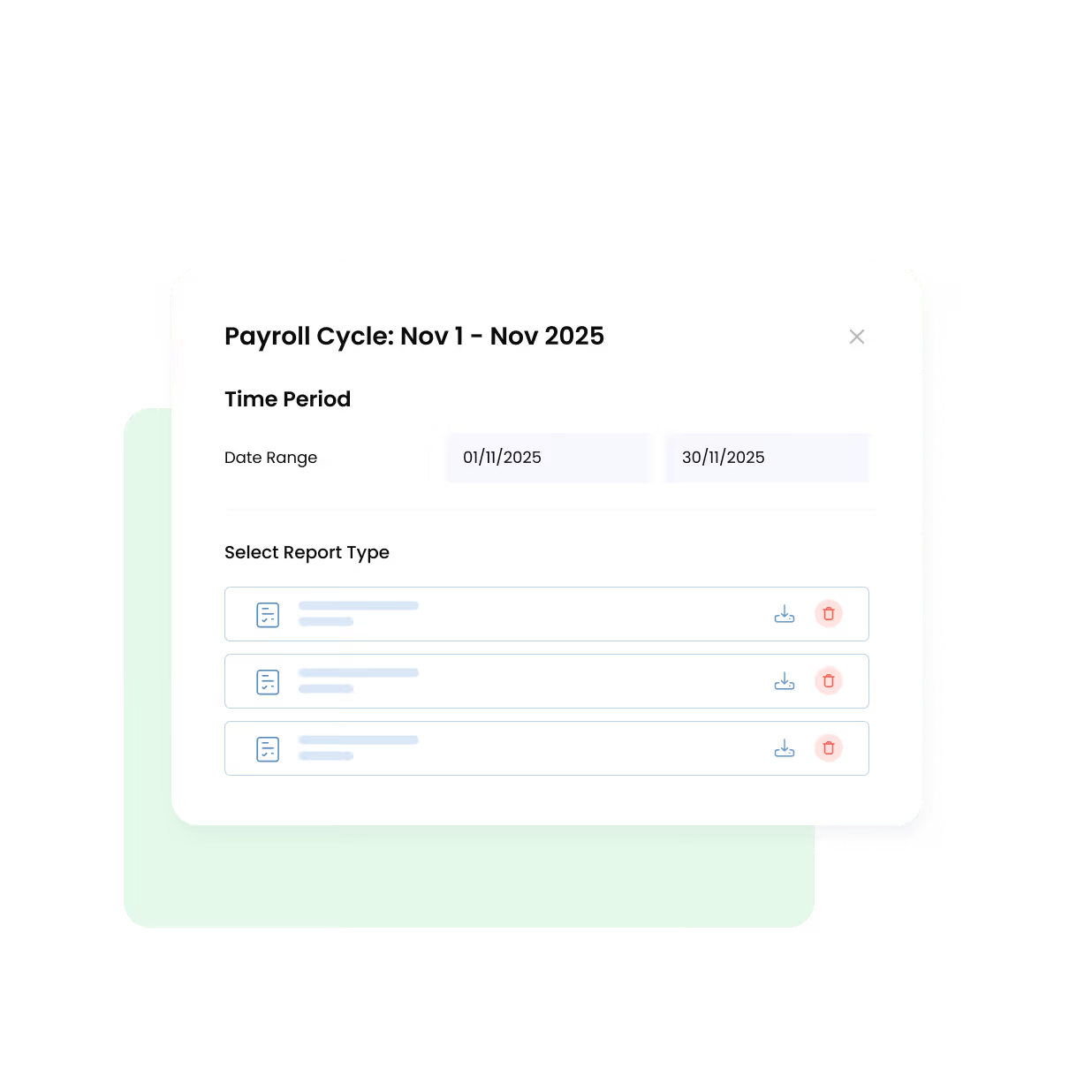
Omni HRIS offers comprehensive CPF reporting capabilities that give you visibility into contribution data across your organization. You can generate reports showing:
- Monthly employer CPF contributions by employee, department, or company-wide totals.
- Year-to-date contribution summaries for annual reconciliation and budget planning.
- Customizable, exportable reports for accounting and management review.
How does Omni handle CPF contribution adjustments and corrections?
When payroll corrections are needed, Omni HRIS allows authorized users to make adjustments to CPF contributions with full audit trail documentation. Whether you need to correct an employee's wages, process backdated salary changes, or adjust for underpayment or overpayment situations, Omni recalculates CPF contributions automatically based on the corrected amounts. The system maintains records of original and adjusted contributions for compliance and reconciliation purposes.
Can Omni HRIS integrate CPF data with accounting systems?
Omni HRIS currently supports integration with Xero, allowing CPF contribution data to flow seamlessly into your general ledger. This integration eliminates duplicate data entry and ensures your accounting records accurately reflect CPF liabilities and expenses.

By connecting payroll and accounting systems, your finance team gains real-time visibility into CPF obligations for better cash flow management and financial reporting.
Does Omni support direct bank integration for CPF and salary payments?
Yes, Omni HRIS integrates directly with major Singapore banks, including DBS, OCBC, and UOB. This enables automated payroll disbursements and streamlines the payment process for both employee salaries and CPF contributions. With direct bank integration, you can process bulk salary payments efficiently while maintaining full audit trails for compliance and reconciliation purposes.

What support does Omni provide for CPF compliance questions?
Omni HRIS provides dedicated support to help customers navigate CPF compliance requirements. The platform includes in-system guidance and documentation explaining CPF rules and how Omni applies them. Customer support teams are available to answer questions about CPF calculations, system configurations, and regulatory updates. For complex scenarios or policy changes, Omni's support helps ensure your payroll team has the information needed to manage CPF contributions confidently.
How does Omni help with CPF year-end reconciliation?
Year-end CPF reconciliation is simplified with Omni HRIS through automated tracking of annual wage ceilings and contribution totals. Our system automatically calculates contributions based on prevailing statutory ceilings throughout the year to prevent overpayment, then performs year-end reconciliation to determine if any additional contributions are required based on the annual wage ceiling.
Omni generates reconciliation reports that compare your CPF submissions against payroll records, helping identify and resolve any discrepancies before year-end closure.
How does Omni handle other Singapore payroll compliance requirements?
Beyond CPF, Omni HRIS manages other mandatory Singapore payroll contributions, including:
- Skills Development Levy (SDL)
- Self-Help Group (SHG) contributions — CDAC, Mendaki, SINDA, and ECF
- Foreign Worker Levy calculations
- Unpaid time-off
- Leave encashment calculations
- Benefit-in-kind (BIK) tax reporting
Getting started with Omni HRIS for Singapore payroll
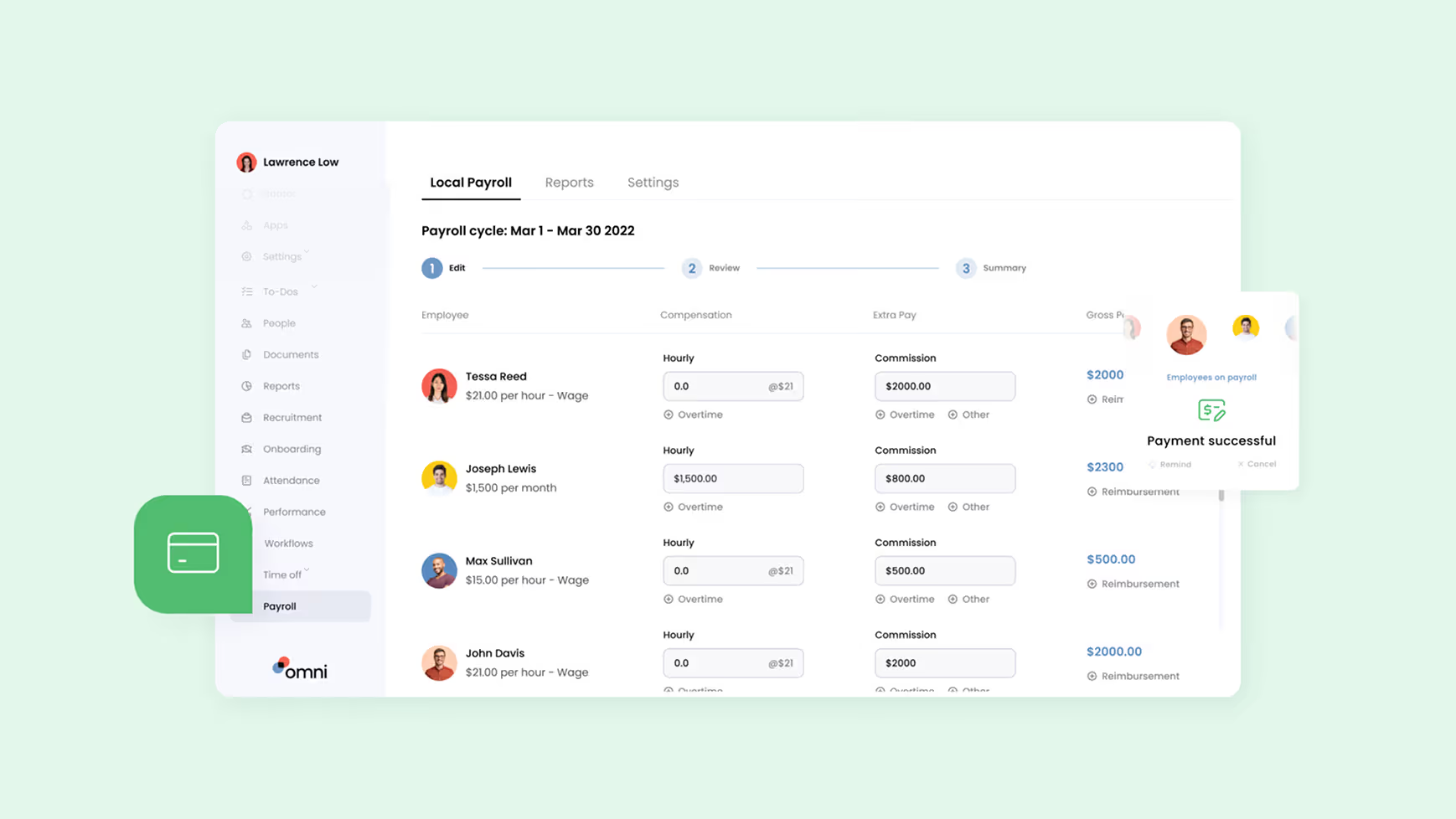
Implementing Omni HRIS for CPF management begins with system configuration based on your company's specific needs. Omni's onboarding team assists with employee data migration, including CPF account information and historical contribution records. Our platform is designed for ease of use, with intuitive interfaces that allow payroll administrators to process monthly CPF contributions efficiently while maintaining full compliance with Singapore regulations.
Schedule your product tour with our team today and discover how Omni HR can streamline your Singapore payroll processing with ease.
Frequently Asked Questions
Yes. Employee self-service portal lets your team update personal info, request time off, submit expenses, view payslips, download tax forms, and track performance goals—without HR intervention. Reduces admin work by 50%+ and gives employees 24/7 access to what they need.
Yes, Omni's time off management system allows employees to submit leave requests for the upcoming year before the current year ends. This is particularly useful for year-end planning when employees want to book holiday travel or when organizations need visibility into next year's staffing. The system tracks future leave requests and updates balances accordingly when the new year begins and accruals take effect.
Omni's performance management system provides flexible visibility controls. You can configure whether employees see manager feedback immediately after submission, after all reviews are complete, or not at all. Set peer reviews to be anonymous while making manager feedback transparent, or customize visibility differently for different review types. These controls let you balance transparency with psychological safety, ensuring your review process matches your company culture.
.png)


.avif)
