.png)
Summary. As Singapore businesses navigate increasingly complex payroll and compliance requirements, manual leave encashment calculations leave little room for error. Under the Ministry of Manpower (MOM) guidelines, employers must calculate and pay out unused annual leave accurately, factoring in gross pay, CPF contributions, and tax declarations. Yet, many HR teams still rely on spreadsheets that can lead to inconsistencies and compliance risks. Automating leave encashment through localized payroll software like Omni streamlines the entire process, ensuring every payout is accurate, compliant with MOM and IRAS regulations, and seamlessly reflected in payroll records. The result? HR teams save time, eliminate calculation errors, and gain peace of mind knowing their leave encashments are handled with precision and compliance confidence.
According to The Potential of Payroll in 2025, 55% of global businesses now employ payroll processing professionals. That’s encouraging progress, but even with dedicated payroll teams, achieving complete accuracy and compliance remains a challenge. With varying payment types, rates, and regulatory factors in play, calculations are rarely straightforward.
Annual leave encashment is a prime example, where businesses compensate employees for unused leave. It’s a process that demands accuracy, consistency, and compliance — three aspects manual spreadsheets and outdated formulas often fail to deliver.
That’s why leave encashment calculation today calls for automation. It minimizes errors, ensures MOM compliance, and helps safeguard both your payroll accuracy and business revenue.
In this guide, we’ll unpack what leave encashment is, how to calculate it correctly, MOM’s role, and how automation can simplify and secure the entire process. Keep reading to ensure every leave encashment you process is accurate, compliant, and hassle-free.
Understanding Leave Encashment in Singapore
If one of your employees doesn’t use all of their paid annual leave days, you may choose to compensate them for the unused balance, as it’s not enforced by MOM. This is known as leave encashment.
What is mandatory under MOM regulations is the requirement to carry forward any unused statutory annual leave (more on that later) into the following year, so eligible employees still have a chance to use it.
However, if your company offers more paid leave than the statutory minimum and an employee has unused days that exceed that entitlement, it’s up to you to decide how to handle them. You can allow these days to be carried forward, forfeited, or encashed, as long as your policy is clearly stated in the employee’s contract.
MOM Guidelines for Leave Encashment Calculation
Generally speaking, employees who have worked at your company for at least three months are entitled to paid annual leave ranging from seven to 14 days, depending on their years of service.
The question is: what happens when an employee has unused paid leave? How these days are handled depends on their employment status (whether they’re still with your company or are leaving). Here’s how to approach each situation:
During employment
If your employee is currently a workman earning a monthly basic salary of S$4,500 or less, or a non-workman earning a monthly basic salary of S$2,600 or less, they’re covered under Part 4 of the Employment Act. In this case, you’re required to carry forward their unused statutory annual leave to the following year.
However, if your employee isn’t covered under Part 4, you have the flexibility to decide how to handle their unused annual leave. It only becomes mandatory to encash those days if you’ve explicitly stated that in their employment contract.
Now, let’s say your employee is entitled to seven days of statutory leave, but your company offers them 15 days. If they’ve only used five days throughout the year, that leaves 10 more. In this case, the number of unused annual leaves (10) exceeds the statutory entitlements (7).
The treatment of these extra days depends on your company’s policy. If your policy states that unused days are to be encashed, you must encash them by the end of the year.
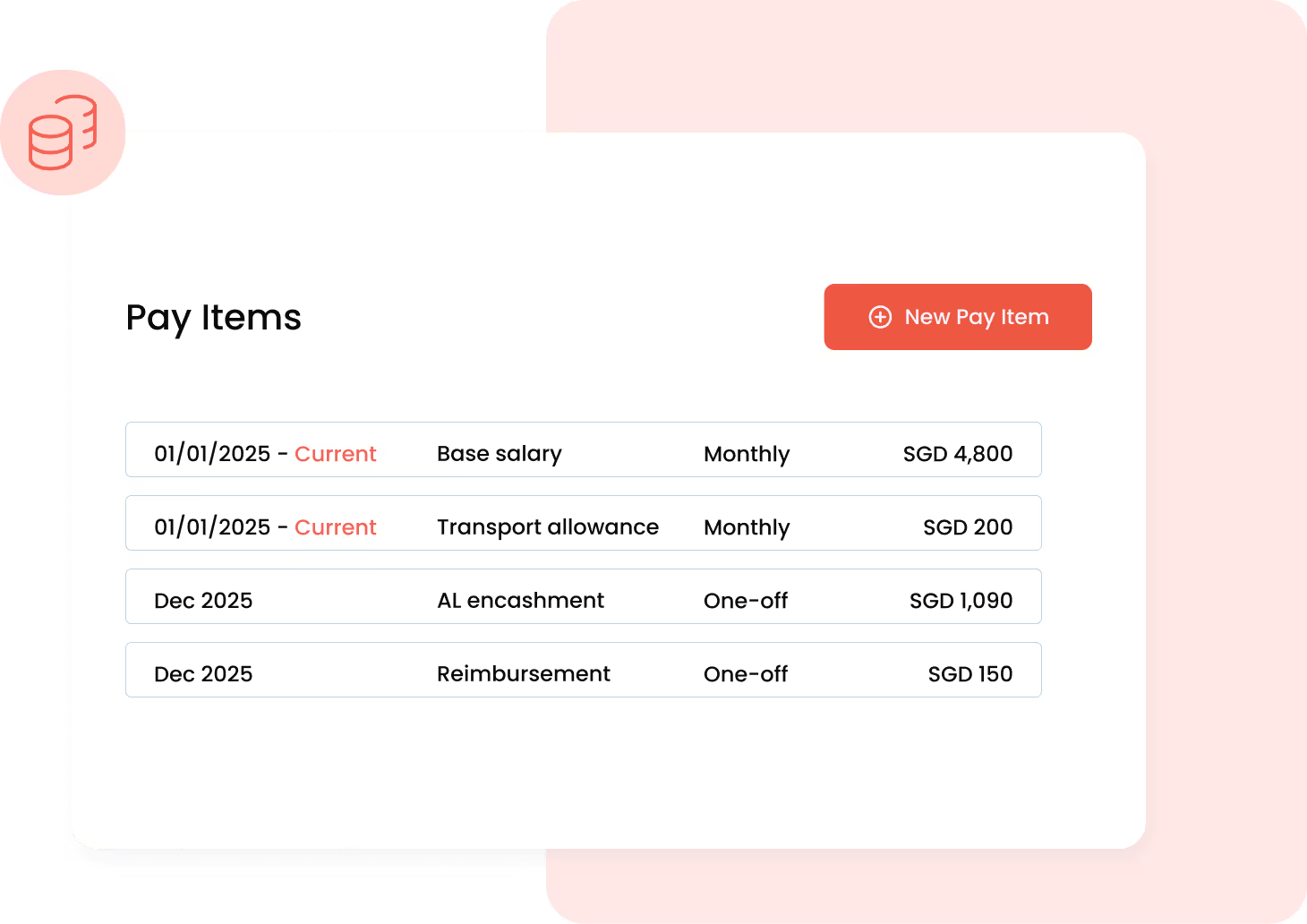
A payroll automation tool like Omni can handle this process automatically, ensuring timely and compliant encashments.
After resignation
After an employee resigns, you’ll need to determine whether their unused paid leave qualifies for leave encashment. According to MOM, if the employee serves their full notice period, you must perform a leave encashment calculation based on their gross rate of pay, which reflects their last drawn salary.
Employers can use tools like the MOM leave encashment calculator, also referred to as the MOM calculator for annual leave or MOM AL calculator, to accurately compute the amounts. These MOM leave calculators or annual leave calculators help HR teams verify that encashment amounts comply with statutory requirements.
On the other hand, if an employee resigns without notice, the situation is reversed. Since they have breached their employment contract, the company is not obligated to encash unused annual leave, and they may instead need to pay compensation in lieu of notice.
Steps for Leave Encashment Calculation in Singapore
When processing leave encashment in Singapore, employers must ensure accurate computation as per the MOM guidelines. Here’s how to do leave encashment calculation properly:
Step 1: Apply the MOM leave encashment calculation formula
Use the following MOM leave encashment calculation to determine the payout for unused annual leave:
(12 months x monthly basic or gross rate of pay) / (52 weeks x average working days per week) x (Number of unused leave days)
This gives you the employee’s total leave encashment value.
Step 2: Identify the correct rate of pay
The key is understanding which pay rate applies:
- Basic rate of pay: fixed monthly salary, excluding allowances or bonuses.
- Monthly gross rate of pay: includes fixed salary plus regular allowances (e.g., transport, meal, or housing).
Whether to use the basic or gross rate in the leave encashment calculation depends on your company’s policy. For official definitions, you can refer to the MOM leave calculator or MOM calculator for annual leave.
Step 3: Account for CPF contributions
Leave encashments are treated as additional wages and are subject to CPF contributions for both employer and employee.
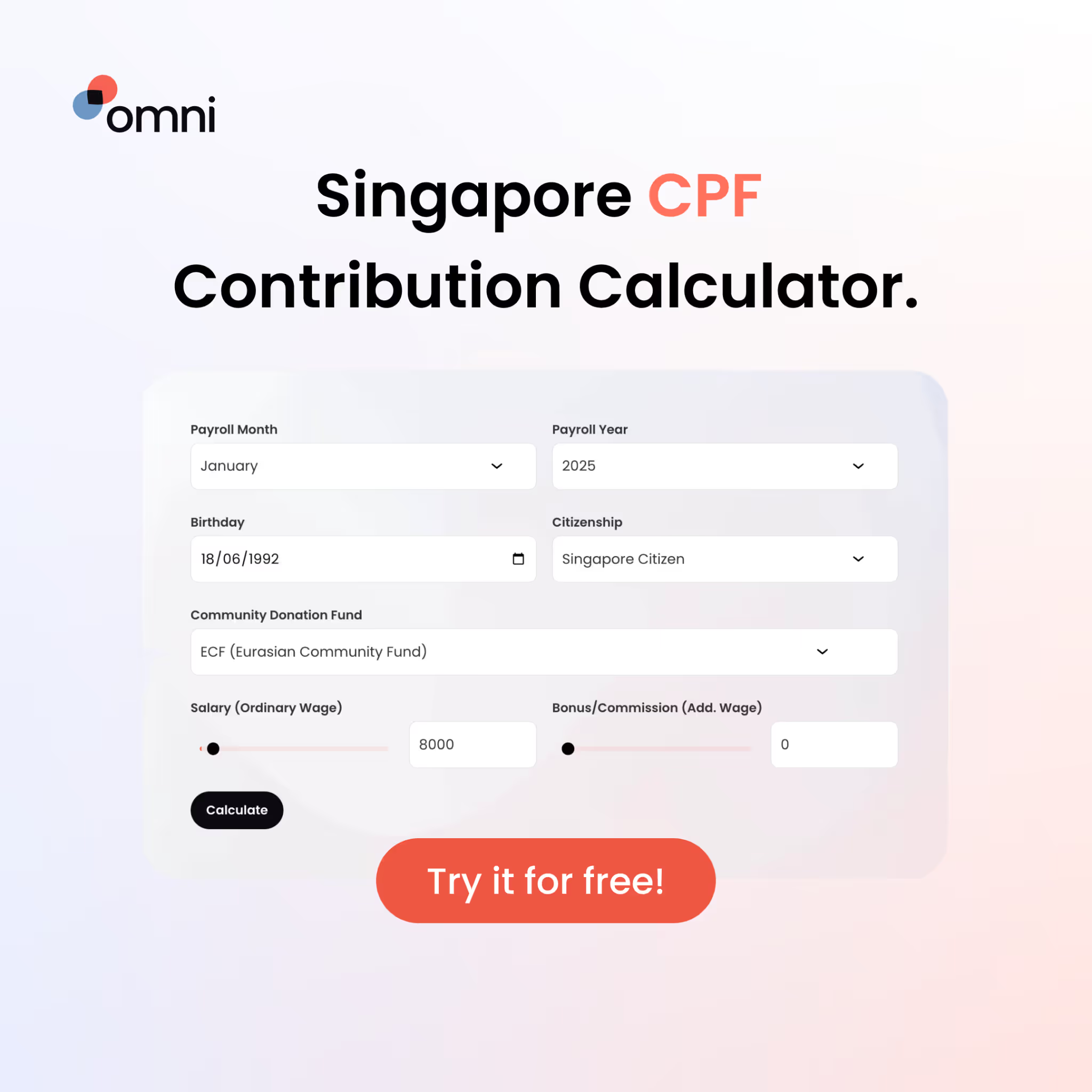
To simplify compliance, you can use the MOM leave encashment calculator or Omni’s built-in payroll, which automatically applies the correct CPF contribution rates.
Step 4: Declare for tax purposes
Leave encashments are considered taxable income. Employers must declare the payout in Form IR8A when filing for the next assessment year.
Learn more: Singapore Tax Filing: Complete IRAS & AIS Guide for HR Teams
Leave encashment calculation example
Alex has 4 days of unused annual leave at the end of 2025. He earns a monthly basic salary of S$7,00 and a gross salary (with allowances) of S$7,800, working 5 days a week.
Leave encashment calculation based on the basic rate:
(12 x 7,000) / (52 x 5) x 4 = 84,000 / 260 x 4 ≈ S$1,292.30
Leave encashment calculation based on the gross rate:
(12 x 7,800) / (52 x 5) x 4 = 93,600 / 260 x 4 = S$1,440
Result:
Alex will receive either S$1,292.30 (basic rate) or S$1,440 (gross rate) in leave encashment, depending on your company’s policy. This amount should be added to their final wages, included in CPF contribution calculations, and declared in Form IR8A for YA 2026.
Special considerations
- Employees must have completed at least of 3 months of service to qualify for paid annual leave.
- Those who resign before completing 3 months typically aren’t entitled to annual leave, hence there’s no leave encashment calculation.
- Encashment only applies to unused earned leave.
- If an employee resigns without serving notice, you are not required to encash unused leave.
- Leave encashements are taxable income and subject to CPF contributions for both employers and employees.
Common Mistakes in Leave Encashment Calculation
Even with a clear understanding of how leave encashment calculation works, errors can still occur, and they often lead to non-compliance or breaches of employment contracts. Here are some of the most common mistakes to avoid:
- Misinterpreting “gross rate of pay”: The gross rate of pay should include only the fixed monthly salary and regular allowances. It excludes overtime pay, bonuses, commissions, and the annual wage supplement (AWS).
- Excluding allowances incorrectly: If your company policy bases leave encashment calculation on gross rates, you must add your employee’s fixed allowances to their basic pay in your leave encashment calculation.
- Overlooking CPF obligations: Leave encashments are subject to CPF contributions for both employer and employee. Forgetting to apply CPF correctly can cause reporting issues and compliance risks.
- Missed tax claims: Leave encashments must be reported under IR8A. A missing declaration can result in inaccurate employee income reporting.
- Improper probationary leave treatment: Employees who have worked at least three months are entitled to prorated annual leave, even during probation. This prorated amount must be included in the encashment if unused.
- Failing to document policy clearly: Lack of a clear internal policy on leave encashment calculation often leads to inconsistent payouts and employee confusion.
- Ignoring partial-month scenarios: When an employee resigns mid-month, HR teams often forget to prorate salary and leave accruals correctly before encashment.
- Relying solely on manual calculations: Manual entries increase the risk of human error, especially when adjusting for different work structures or shift schedules.
Tools and Calculators for Leave Encashment
A proper leave encashment calculation involves multiple moving parts, such as base pay, allowances, CPF, tax treatment, and company-specific policies. To simplify this, HR teams can use various tools to improve accuracy:
- Spreadsheets and templates: Many HR teams tend to use Excel or Google Sheets to apply the MOM leave encashment formula and track pay components. While accessible, these are prone to input errors and version control issues.
- Online calculators: The MOM calculator for annual leave, MOM AL calculator, and other MOM leave calculators are helpful for prorated or probation-based leave calculations, though they typically don’t cover full encashment scenarios.
- Payroll systems and HR software: Integrated solutions handle CPF deductions, leave balances, and final pay calculations automatically, reducing errors that can arise from manual computation.
Automating Leave Encashment Calculations with HR Tools
Manual calculations might work for small teams, but as your team grows, managing leave encashment calculations can become rather complex and time-consuming.
That’s why many Singapore HR teams are turning to payroll software solutions like Omni to simplify the process and make a real difference. Modern tools take the complexity out by automating calculations and compliance workflows:
- Automatically apply the MOM leave encashment calculation formula using your company’s pay policies.
- Calculate and deduct the correct CPF contributions for both employer and employee portions.
- Update final payslips, leave balances, and payroll reports instantly after each encashment.
- Generate audit-ready reports that align with IRAS requirements.
Omni’s payroll module is built to handle the localized payroll needs of Singaporean teams, from CPF and SDL deductions to annual leave encashment. By integrating payroll with time tracking, leave management, and employee records, Omni creates a centralized source of truth for all payroll data.

This connected approach means HR teams no longer need to cross-check spreadsheets or juggle multiple systems to verify CPF amounts or leave balances. Instead, payroll cycles become faster, more efficient, and compliant.
“Payroll calculations that used to take three to five working days can now be done in half the time with Omni.”
— Tengku Mohaizad, Group Head of HR Asia at Inspire Brands Asia
Automate leave encashment calculations with Omni today and focus on what matters most: your employees. Book a demo with our team to learn more.
.png)