

















.png)
Summary. Switching to a new HR information system doesn’t have to be disruptive or risky when it’s done with the right structure and safeguards in place. Omni HR’s data migration process securely transfers employee records, payroll history, time-off balances, and custom HR data while maintaining accuracy, business continuity, and regulatory alignment. With a clear 4–12 week implementation timeline, dedicated implementation and payroll specialists, and built-in validation and cleanup steps, Omni HR ensures strong HR data security through encryption, role-based access controls, activity logging, and ISO 27001–aligned practices. The process is designed to support complex and international migrations while meeting regional and global standards for HR data compliance, including PDPA and GDPR, so organizations can go live with clean, compliant data and a scalable HR system they can trust.
Switching to a new HR information system can feel daunting, especially when it involves transferring sensitive employee information. Understanding how data migration works, what security measures protect your information, and how compliance is maintained throughout the process can help ease these concerns. Here's everything you need to know about migrating your HR data to Omni HR.
Understanding HR Data Migration
What is HR data migration?
HR data migration is the process of transferring employee information from your current system to a new HRIS platform. This includes employee records, payroll history, benefits information, time-off balances, performance reviews, and other critical HR data.
Why does data migration matter for HR teams?
Data migration ensures business continuity, maintains accurate employee records, and preserves historical data that may be required for HR data compliance purposes. A successful data migration maintains data integrity, ensures no information is lost or corrupted, and minimizes disruption to your HR operations. When done correctly, your team should be able to access all necessary employee information from day one in the new system.
Timeline and Process
How long does Omni HR’s data migration take?
The typical Omni HR implementation and data migration timeline ranges from 4 to 12 weeks, depending on your company's size and complexity. Smaller organizations with straightforward HR structures can often complete data migration in 4-6 weeks, while larger enterprises with multiple entities, complex payroll structures, or extensive historical data may require 8-12 weeks.
Whatever your timeline looks like, it helps to go in prepared. For a smooth data migration, read ClonePartner's HRIS data migration checklist — it walks through each stage end-to-end and covers the small details that help you prepare in advance for the platform switch.
What are the phases of the data migration process?
The data migration process is structured into clear phases to ensure accuracy and completeness:
Phase 1: Employee Data Migration
This phase includes five critical steps for HR data security and accuracy:
- Template walkthrough - Omni HR conducts a walkthrough with your team on the employee information template to align on data requirements and structure
- Data collection - You fill in Omni HR's employee information template with your existing workforce data
- Validation - Our dedicated implementation team validates this data and asks for clarifications on any inconsistencies, incomplete fields, or ambiguous information
- Data cleanup - Based on your clarifications, our team cleans up the data to ensure accuracy and consistency
- Upload and review - The validated employee data is uploaded into the Omni HR system, and you review employee profiles in the platform to confirm everything has been migrated correctly
Additional Phases:
- System configuration and customization to match your workflows
- Detailed module walkthroughs to enable administrators to optimize system utilization
- Integration with existing business systems, like accounting or time tracking tools
- Training for administrators and end users
- Final testing before the official go-live date
What about payroll data migration?
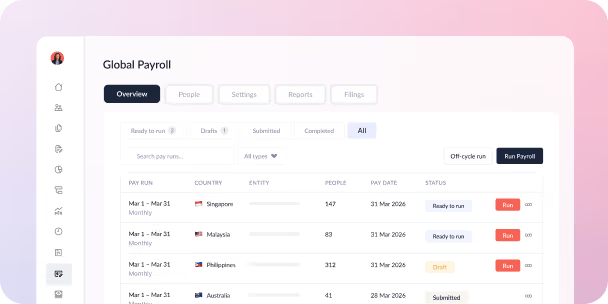
For organizations using Omni HR's managed payroll services, the data migration process includes collecting payroll and statutory data required for HR data compliance and payroll processing. A critical step involves re-running year-to-date (YTD) and last 12 months (L12M) payroll results within Omni HR to ensure accuracy and establish a reliable baseline for ongoing payroll operations.
Security During Data Migration
What security measures protect my data during migration?
Omni HR employs multiple layers of security to protect your employee data throughout the migration process:
During data transfer:
- Employee data is typically stored on a shared drive with access restricted to authorized personnel
- All data transmitted via attachments is typically encrypted and secured with password protection.
- Employee data is typically exchanged using password-protected files
- Access is limited to authorized Omni HR implementation personnel
- All data exchanges follow strict security protocols
Once data is uploaded:
- Employee information is protected using AES-256 encryption, consistent with industry standards
- Multi-factor authentication (MFA) is enforced at the platform level
- Role-based access controls limit who can view or modify data
- Activity logging tracks all data access and changes
Facility and infrastructure security:
- Employee data is hosted in secure data centers with 24/7 monitoring
- Intrusion detection systems actively protect against unauthorized access
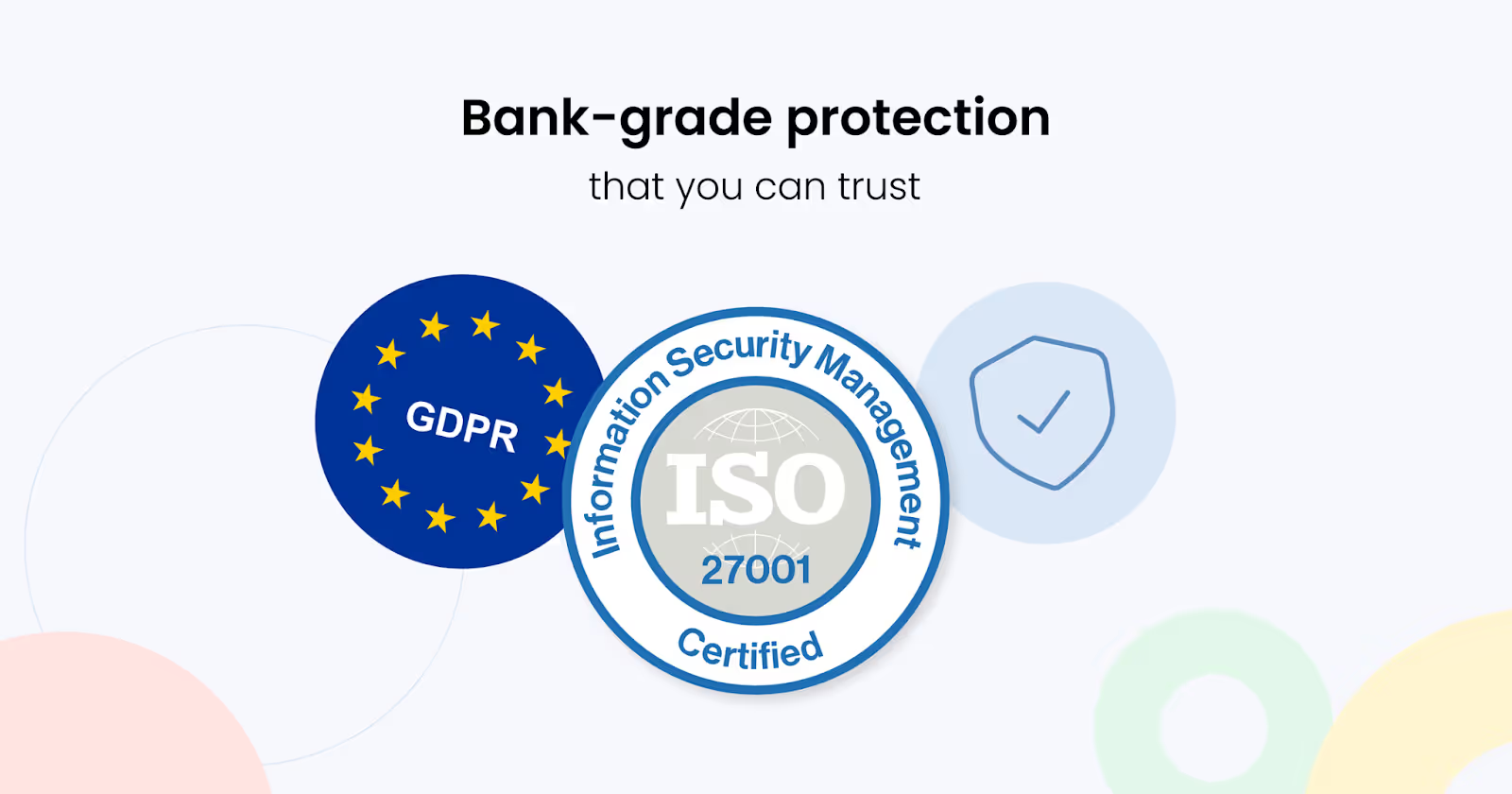
- ISO 27001 certification demonstrates commitment to rigorous HR data security practices through regular third-party audits
Who has access to my data during migration?
Access to your data during migration is restricted to authorized and trained personnel involved in the data migration process. Only Omni HR implementation team members directly working on your project can access your employee information, and all access is logged for security and compliance purposes.
HR Data Compliance
How does Omni HR ensure HR data compliance during migration?
HR data compliance is paramount during data migration, as employee information is subject to various regulations depending on your location and industry. Omni HR is designed to maintain compliance with major data protection frameworks throughout the data migration process.
What regional compliance standards does Omni HR meet?
Southeast Asia Compliance:
- Singapore's Personal Data Protection Act (PDPA)
- Malaysia's Personal Data Protection Act
- Thailand's Personal Data Protection Act (PDPA)
- Indonesia's data protection regulations
- Data residency options to meet local data sovereignty requirements
European Union Compliance:
- General Data Protection Regulation (GDPR) requirements
- Data minimization and purpose limitation
- Right to data portability
- Seamless management of employee data across both Southeast Asian and European jurisdictions
What compliance checks are included in data migration?
Omni HR's data migration process includes HR data compliance checks to ensure:
- Only necessary data is transferred
- Proper consent has been obtained for data processing in accordance with local laws
- Data retention policies align with regional legal requirements
- All transfers meet current regulatory standards
Types of Data and Migration
What types of data can be migrated to Omni HR?
Omni HR's data migration focuses on three core areas:
Employee Records:
- Essential identifying information
- Contact details
- Emergency contacts and dependents
- Employment history
- Job titles and departments
- Reporting structures
Payroll Data (for payroll module users):
- Salary history
- Compensation details
- Tax withholding information
- Statutory data for HR data compliance
- Year-to-date and last 12 months payroll reports
Time Off Records:
- Time Off historical records
- Carryover balances (if required)
- Remaining balances
- Historical PTO balances
- Vacation accruals
- Sick leave balances
- Previous time-off usage
Custom Data:
- Custom fields specific to your organization
- Organization-specific tracking information
Can I migrate data in phases?
In most standard implementations, Omni HR migrates employee data in a single consolidated phase to reduce complexity and shorten timelines.
Phased data migration may be supported in specific or complex cases, such as:
- Large organizations with extensive employee bases
- Multi-entity structures
- Regional rollout requirements
Omni HR's implementation team works with you to assess whether phased data migration is appropriate based on your organization's data complexity, operational needs, and risk considerations.
Verification and Accuracy
How is data accuracy verified after migration?
Data accuracy is verified through Omni HR's structured validation process built into Phase 1 of the data migration:
- Template alignment - Walkthrough and alignment on the employee information template
- Initial validation - Implementation team reviews submitted data
- Clarification cycles - Resolution of missing or inconsistent data
- Pre-upload cleanup - Data cleanup prior to upload
- Client review - You review employee profiles within Omni HR before go-live
- Payroll verification - Re-running YTD and L12M payroll results to confirm calculations align with historical records
What happens if something goes wrong during data migration?
While Omni HR takes every precaution to ensure smooth data migration, having contingency plans provides additional peace of mind. The structured Phase 1 process catches potential issues early through built-in validation and clarification steps.
Common issues and solutions:
- Incomplete template data - Implementation team requests additional information
- Formatting inconsistencies - Team standardizes data before upload
- Missing payroll details - Clarification cycle resolves gaps
- Calculation differences - Payroll team reconciles and corrects
If significant issues are discovered, the data migration can be paused while your team provides additional clarification or corrects source data. The employee profile review step serves as your final checkpoint before going live.
Legacy Systems and Costs
What happens to data in my old system?
Your data remains in your legacy system until you decide to decommission it. Most organizations maintain read-only access to their old HRIS for a transition period (typically 30-90 days) to reference historical information if needed.
Omni HR does not delete data from your legacy system. The decision to delete, archive, or decommission your legacy system rests entirely with your organization. You should maintain backups or exports of historical data from your old system for HR data compliance and reference purposes, as many regulations require retention of employment records for three to seven years.
What are the costs associated with data migration to Omni HR?
Omni HR's pricing is customized based on each organization's size, data complexity, and implementation requirements.
One-time setup costs:
- Dedicated implementation team
- Employee data extraction and migration
- System configuration aligned to your workflows
- Training for administrators and end users
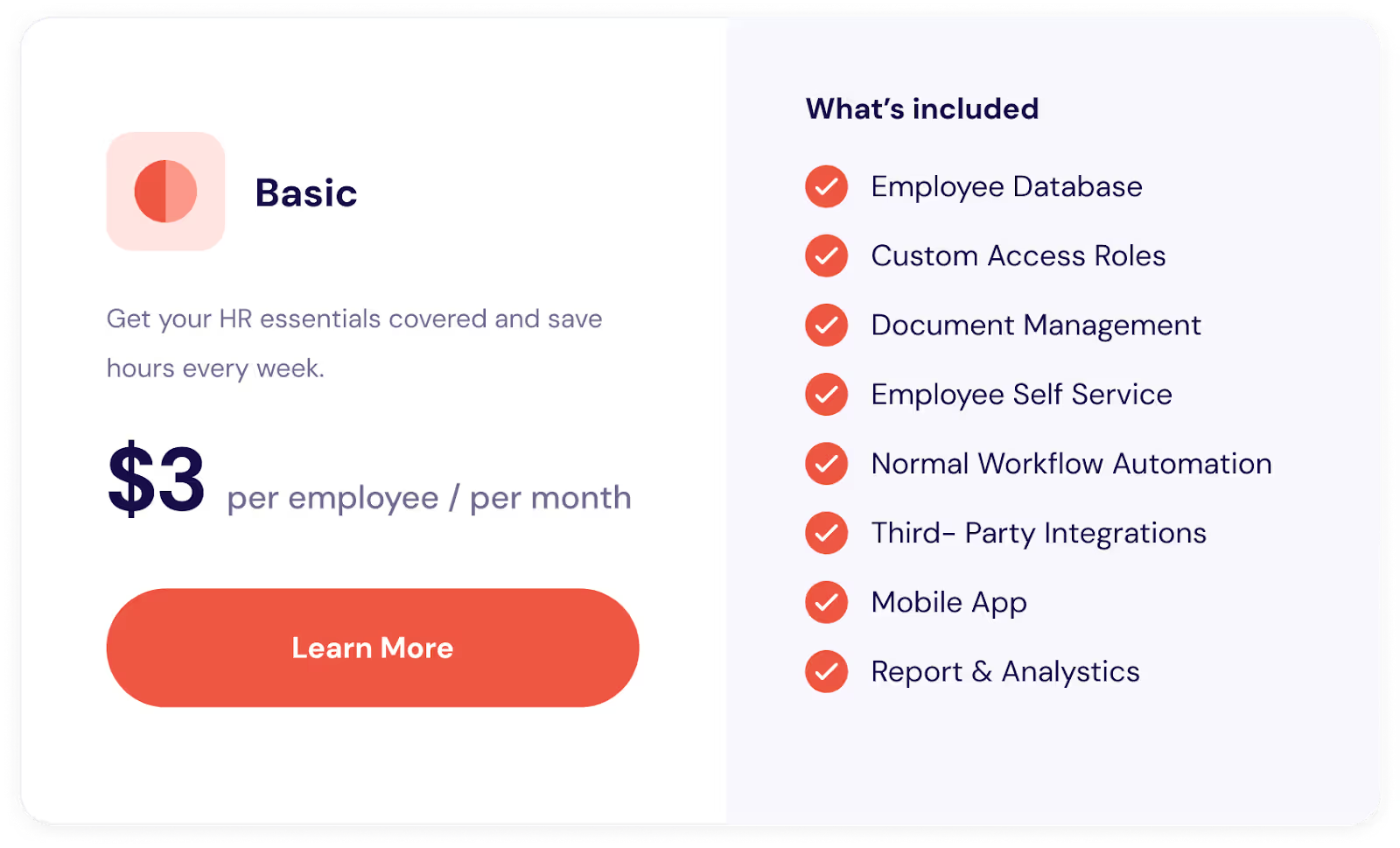
Ongoing subscription costs (per employee per month):
- Access to the Omni HR platform
- Regular product updates
- Built-in HR data security and compliance features
- Customer support and system maintenance
Additional services (as needed):
- Custom integrations with other business systems
- Advanced reporting or analytics
- Tailored training beyond standard onboarding
Find a pricing plan for your budget
International and Complex Migrations
How does Omni HR handle international data migration?
For organizations with international operations, data migration involves additional HR data compliance considerations:
Global support features:
- Data residency options for specific geographic regions
- Multiple currencies for payroll and compensation data
- Various date and number formats
- Different languages for the user interface
- Country-specific fields for tax IDs and social security numbers
Compliance for international transfers:
- EU-US Data Privacy Framework for lawful data transfers
- Standard Contractual Clauses (SCCs) for EU data protection
- Adherence to adequacy decisions where applicable
During data migration, international data is carefully segregated and processed according to each jurisdiction's requirements, with separate templates, validation processes, and payroll verification for different regions.
Preparation and Support
How do I prepare my organization for data migration?
Proper preparation significantly increases the likelihood of smooth data migration:
Audit your current data:
- Identify what information exists and where it's stored
- Assess the quality and completeness of records
- Identify outdated or unnecessary data
Cleanse your data:
- Correct errors and inconsistencies
- Remove duplicate records
- Update incomplete information
- Standardize data formats
- Pay special attention to payroll and statutory data for HR data compliance
Document your processes:
- How HR workflows currently operate
- Custom fields and their purposes
- Integration points with other systems
- Reporting requirements
Assemble a migration team:
- Executive sponsor for decision-making authority
- HR leaders who understand your data and processes
- Payroll specialists for validation
- IT representatives for technical integration
- End users who will provide practical input
Communicate with stakeholders:
- Announce the upcoming change
- Explain the data migration timeline
- Identify training opportunities
- Set realistic expectations
What support does Omni HR provide during and after migration?
During data migration:
- Dedicated implementation manager as your primary point of contact
- Assistance with the employee information template
- Data validation and clarification requests
- Data cleanup based on your responses
- Oversight of the data upload process
- Help reviewing employee profiles in the system
- Payroll specialists manage YTD and L12M payroll verification
Training support:
- Administrator training on system configuration
- End-user training for employees
- Training materials and documentation
- Guidance on best practices
Post-migration support:
- Ongoing customer success management with check-ins
- Technical support via ticketing system and email
- Access to Omni HR's knowledge base
- Regular product updates and enhancements
- HR data compliance updates as regulations change
Most organizations find that support needs are highest in the first 30-60 days after go-live, then gradually decrease as everyone becomes comfortable with the platform.
Getting Started with Your Data Migration
Migrating to Omni HR doesn't have to be stressful. With proper planning, robust HR data security measures, and expert support, your employee data can be transferred securely while maintaining HR data compliance with all relevant regulations.
The structured Phase 1 data migration process—from filling in the employee information template through validating data, cleaning up information, uploading to the system, and reviewing employee profiles—ensures accuracy at every step. The combination of encryption, access controls, compliance frameworks, and thorough validation processes, including the critical step of re-running YTD and L12M payroll results, ensures your data migration is both secure and accurate.
Your dedicated implementation team guides you through each phase of the data migration, asking for clarifications when needed and working collaboratively to ensure your employee records are set up correctly in Omni HR.
Ready to get started? If you're ready to explore how Omni HR can transform your HR operations while keeping your employee data secure, book a demo with our team today!



.avif)
.avif)