.png)
Summary. Accounting software Singapore solutions help small businesses move beyond error-prone spreadsheets and manual bookkeeping by automating tax filings, invoicing, and expense tracking — all while staying compliant with IRAS regulations. Whether you’re exploring tools with no monthly fee, testing a free accounting system, or comparing accounting software Singapore price plans, today’s platforms offer scalable options for growing teams. For businesses that also manage payroll, Omni integrates seamlessly with your accounting software, automating CPF contributions, syncing real-time payroll data, and helping you stay compliant with both MoM and IRAS requirements. Even when using free basic accounts software or easy accounting software for small business, Omni enhances your setup by reducing manual work and eliminating costly payroll errors.
Managing finances on outdated systems like spreadsheets or manual bookkeeping can frustrate your team. Reports take too long to compile, errors often occur, and expense tracking becomes a constant struggle. In countries like Singapore, where compliance with the Inland Revenue Authority of Singapore (IRAS) is non-negotiable, that inefficiency puts your business at risk.
However, accounting software can help. These tools help you stay compliant with Singapore’s evolving tax laws, manage cash flow, and integrate seamlessly with HR and payroll systems.
In this guide, we compare easy-to-use, cost-effective accounting software tailored for small businesses in Singapore to help you stay IRAS-compliant without exceeding your budget.
What to Look for in the Best Accounting Software in Singapore
When sourcing for the best accounting software Singapore, check for these features:
IRAS compliance
Ensure your chosen platform has built-in features that support compliance with IRAS requirements, including the Goods and Services Tax (GST) filing, income tax, and e-invoicing. With minimal manual effort, the tool should automatically calculate GST returns, generate IRAS-compliant tax forms, and submit all required reports while keeping up with any updates to Singapore’s tax laws.
Ease of use and mobile or cloud access
A user-friendly interface is crucial for fast adoption, allowing your finance team to easily generate reports, track expenses, and manage invoices with minimal training or accounting expertise. Check for cloud-based systems that let you securely access financial data anytime, anywhere, whether you’re in the office, traveling, or working from home. This mobile accessibility improves team collaboration and ensures all financial tasks are carried out without delay.
Scalability
Choose easy accounting software for small business that can grow with your organization. The tool must be able to handle increasing transaction volumes when your business enters international markets, hires more staff, or opens new branches. For example, it should offer multi-user access and multiple currencies to meet your growing financial and operational needs as your business expands.
HR and payroll integration capabilities
For a smooth financial operation, choose an accounting software Singapore that integrates well with your tech stack, including HR and payroll systems. This connectivity helps streamline processes like salary payments, CPF contributions, tax deductions, and expense reimbursements, all while reducing manual entry and compliance risks.
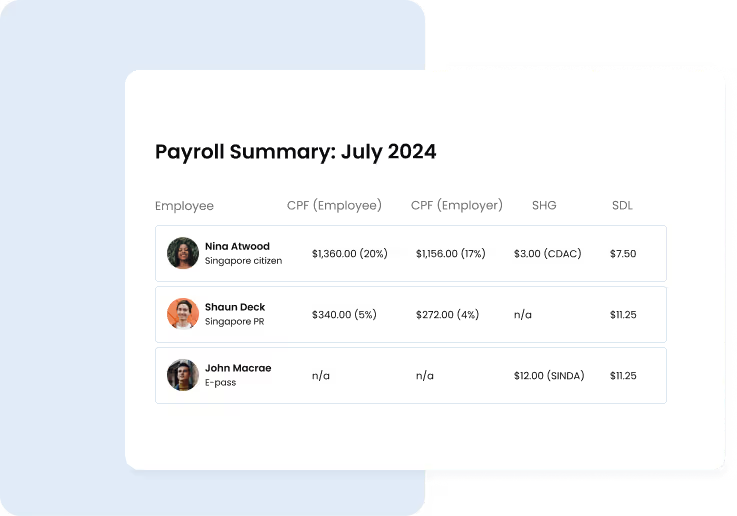
Platforms like Omni make this integration seamless. By syncing payroll and employee data directly with your accounting software, Omni helps automate routine tasks and reduce the chance of costly errors. This level of connectivity not only ensures compliance with Singapore’s labor laws but also supports accurate, real-time reporting across your finance and HR functions.
Additional reading: Singapore Payroll Software Guide: Pricing, Features & Integration (2025)
Free plans vs. paid plans
Accounting software Singapore price varies significantly, ranging from free plans to paid subscriptions. Before choosing a tool, determine your company’s budget and confirm that the software’s features meet your business needs.
Free trials are an excellent way to test a tool’s features without making a financial commitment. Many small businesses start with free accounting systems that handle vital tasks, including invoicing, expense tracking, and reporting. As your business grows, you can easily upgrade to a paid plan with advanced capabilities.
Automation
Check for automation features in accounting software Singapore, such as Optical Character Recognition (OCR) technology, automated bank reconciliation, and auto-scheduling for recurring payments. These capabilities help to reduce manual effort, saving time and enhancing efficiency. For instance, OCR enables the tool to easily scan and extract key information from invoices while payment auto-scheduling reduces data discrepancies, freeing up HR and finance teams to focus on more strategic tasks.
Vendor support
Choose accounting software that offers vendor support via live chat, email, video tutorials, or onboarding guides. This expert-guided assistance is crucial for timely resolutions, updates, continuous compliance, and seamless operation with the tool.
Top 5 Accounting Software in Singapore for 2025
Below, we explore the top accounting tools supporting businesses in Singapore:
1. Xero
Xero is an intuitive accounting software Singapore designed for small businesses, accountants, and bookkeepers. It simplifies your financial management by automating payments and calculations, saving time and providing a clearer view of your business cash flow. Xero’s features include:
- Pay multiple bills at once, match bank data with invoices and receipts, and automate reconciliation to keep records accurate and up-to-date.
- Flag duplicates and track deadlines to reduce errors, stay organized, and ensure timely payments.
- Manage taxes, file GST returns directly to IRAS, and automatically convert foreign transactions to Singapore dollars.
- Simplify employee expense reimbursements straight from your device.
- Claim and reimburse expenses, track your spending, and manage your expense admin wherever you are.
- Store employee data and keep accurate payroll records securely.
- Integrate with a third-party app for advanced payroll needs.
Xero’s pricing plans range from S$3.90 (starter), S$6.50 (standard), and S$8.80 (premium).
2. QuickBooks
QuickBooks is an easy accounting software for small businesses that’s also designed for mid-sized and enterprise organizations looking to solve their bookkeeping needs.
It offers easy-to-use accounting tools such as inventory tracking, payroll management, and advanced reporting with these features:
- Sync bank and credit card accounts to automate income and expense tracking, eliminating manual data entry and reducing errors.
- Customer support through live chat, email, or resources like tutorials, events, and webinars.
- Accessible via desktop, laptop, smartphones, and tablets with robust data security measures.
- Monitor and file sales tax in seconds with no manual data entry.
- Track inventory levels and manage your stock with integrations to Shopify, eBay, and PayPal.
- Create custom invoice templates, send recurring invoices, and automate payment reminders to improve cash flow.
QuickBooks accounting software Singapore price varies depending on the plan and features needed, but pricing generally starts at S$2.73 monthly.
Learn more: Payroll Singapore Reference Guide: Everything You Need to Know
3. Zoho Books
Zoho Books is a free accounting system available for small businesses. It offers various features, including invoicing, core accounting, and expense management.
Here’s how Zoho Books' free basic accounts software helps businesses in Singapore:
- Create quotes on the spot and add prices, contact information, and item details, then sign and send to clients for approval from any location.
- Create professional, customizable invoices with your company name, logo, and preferred currency.
- Set up recurring billing and send automated payment reminders to get paid faster and reduce manual follow-up.
- Manage stock levels, track sales orders, and sync inventory with sales activity across warehouses.
- Convert an approved quote into a sales order and customize it with your brand logo, font type, and color.
- Monitor expenses and bills to understand your cash flow and track how money moves out of your business.
- Generate key financial reports like balance sheets, cash flow statements, and income statements to know where your business stands.
While Zoho Books is free, it also offers various paid plans that provide broader features tailored to your needs.
4. Financio
Financio is a free basic accounts software designed for businesses looking to automate and simplify accounting tasks.
Its features include:
- Generate reports and live charts instantly to gather insights into profits, losses, and balance sheets.
- Create professional invoices, record payments, and automatically generate accurate bookkeeping entries and tax records.
- Send invoices to your customers via email in just a few clicks.
- Grant permissions and invite unlimited users to collaborate in real-time to reduce your workload and boost efficiency.
- Link your product prices to specific units of measurement while the system automatically displays the relevant price whenever you buy, stock, or sell an item.
- Automated alerts notify you when an item is about to go out of stock.
Financio also has a user-friendly interface and responsive vendor support. Its pricing ranges from $15 to $25 monthly. Additionally, this accounting software has no monthly fee, offers a 30-day free trial, making it perfect for businesses looking to test the waters.
5. Wave Accounting
Wave is an easy accounting software for small businesses. It’s designed to help SMEs create invoices, accept online payments, and monitor their cash flow seamlessly.
Its features include:
- Receive fast payments via bank deposits, credit cards, and Apple Pay.
- Create professional invoices, send payment reminders, and get paid via credit card and bank transfer.
- Gain access to basic accounting functionalities like invoicing, income and expense tracking, and receipt scanning without paying monthly fees.
- Link your bank and credit card accounts to automatically import transactions and reconcile data easily.
- Digitally capture receipts and track expenses.
- Access vital reports, including profit and loss statements, balance sheets, and cash flow, to gain insights into your business needs.
- Get personalized help from in-house bookkeepers and accounting coaches.
- Pay independent contractors and employees, and generate the necessary tax forms for compliance reporting.
Wave is a free accounting system. But access to its advanced features costs $16 per month.
How Omni HR Enhances Your Accounting Software in Singapore
Accounting software gives businesses powerful visibility into their income, expenses, and cash flow. But even with the best accounting tools, gaps remain, especially when HR and payroll data are managed separately. Manual transfers, outdated spreadsheets, and fragmented systems can lead to compliance risks, data errors, and operational inefficiencies.
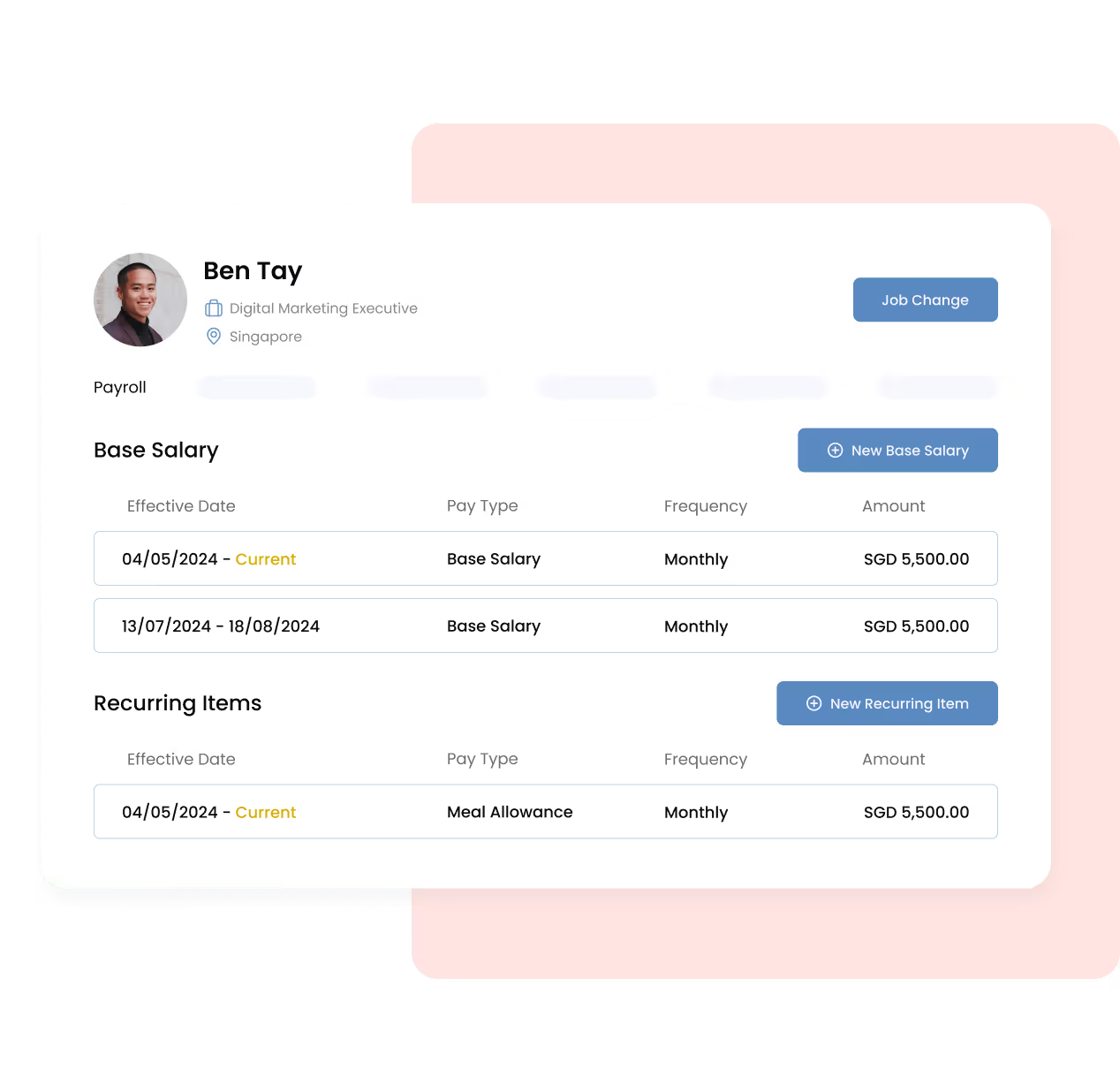
That’s where Omni comes in. Omni bridges the gap between accounting and HR with a fully integrated platform that automatically syncs payroll data, automates statutory contributions like CPF, and ensures real-time data accuracy across functions. From automating salary disbursements to aligning with Singapore’s MoM and IRAS requirements, Omni helps finance and HR teams eliminate redundant work and reduce costly mistakes.
Try out our free CPF calculator.
With Omni, finance and HR teams can also view unified metrics like cost per employee, payroll trends, and headcount reports — all while maintaining strict access controls and generating audit-ready reports to comply with data laws.
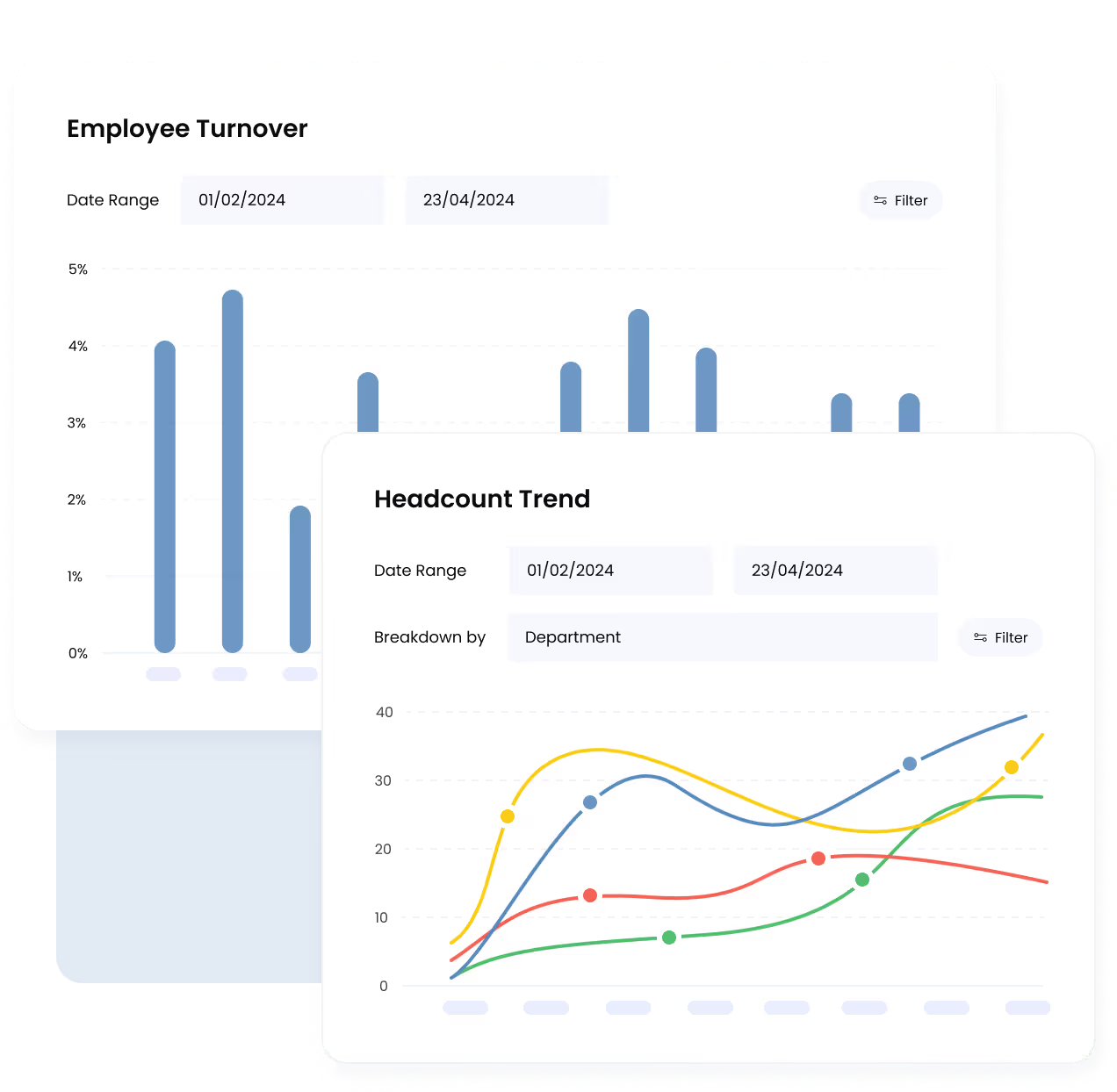
And as your business grows, Omni scales with you, supporting growing businesses that need a single source of truth across HR and finance.
How Inspire Brands Asia Streamlines HR and Finance Across Markets with Omni
Inspire Brands Asia, a leading fitness and wellness group behind Anytime Fitness and SUMHIIT Fitness, manages a workforce of over 1,000 employees across eight countries. Managing payroll across borders, with different contribution rules, tax structures, and reporting timelines, quickly became overwhelming, especially when everything was tracked using manual spreadsheets.
By integrating Omni with their existing accounting software Singapore, Inspire Brands Asia:
- Reduced payroll processing time by 50% as what used to take up to five working days was completed in half the time with automated CPF and tax calculations.
- Improved data accuracy with centralized employee profiles, eliminating duplicate entries and errors between HR and accounting.
- Ensuring compliance with Omni’s real-time syncing and automated reminders to avoid late payments and regulatory penalties.
- Saved up to US$60,000 annually by eliminating inefficiencies and reducing payroll errors.
Read Inspire Brands Asia’s full story
Unlike many free accounting systems or easy accounting software for small businesses that don’t include local compliance features out of the box, Omni provides the payroll integration and automation needed for growing companies in Singapore.
Whether you’re using a free basic accounting software or comparing accounting software Singapore price plans, Omni adds an essential layer of automation and compliance to support your accounting workflow further, ensuring your payroll processes stay fast, compliant, and accurate.
Book a demo today with our team and discover how Omni can enhance your payroll and accounting tech stack.
.png)


.png)