.png)
Summary. In Singapore, CPF is a critical system that supports employees’ retirement, housing, and healthcare, but managing it is complex. Contribution rates differ by age, wages, and PR status, and scenarios like part-time employees, multiple job holders, or mid-month joiners add further complications. Relying on manual tools such as a CPF rate calculator, CPF retirement calculator, or CPF late payment interest calculator can be risky, as even small errors may trigger penalties. That’s why businesses need more than a calculator — they need an integrated solution. Omni acts as an all-in-one employer payroll tax calculator that automates CPF contributions, sends reminders for CPF due dates, generates audit-ready reports, and even handles SDL payments. By replacing manual calculators like the CPF life calculator, CPF payout at 65 calculator, or CPF retirement sum calculator with one secure, automated system, Omni ensures accuracy, compliance, and peace of mind for HR teams.
In Singapore, the Central Provident Fund (CPF) is more than a compulsory savings plan. It’s a financial safety net for employees’ retirement, housing, and healthcare. Due to its importance, the government takes it seriously and enforces strict compliance.
But CPF compliance isn’t always straightforward. Contribution rates vary by age group, salary, and residency status, and calculations also differ for part-time employees or multiple job-holders. Even minor oversights, whether underpayment or overpayment, can create compliance risks for your business.
Many HR teams rely on manual CPF rate calculators or outdated spreadsheets, but these tools aren’t always efficient. CPF policies and rates change periodically, and manual processes increase the chances of mistakes as your workforce grows.
The solution? An automated CPF rate calculator. In this guide, we break down how to use a CPF retirement calculator effectively in different scenarios—for part-time staff, late contributions, or retirement payouts—and show why automating with HR software like Omni pays better in the long run.
Complex Employee Scenarios in CPF Calculations
While CPF uses a standard formula, contribution rates differ across age groups:
Beyond different age groups, certain employee situations further add complexity, and tools like a CPF rate calculator or an employer payroll tax calculator can help ensure accurate contributions.
Part-time employees
The same rates apply, but contributions depend on their wages. Only part-time staff whose salary exceeds S$50 per month are expected to contribute to CPF. If they earn below this threshold, the employee and employer can decide whether or not to contribute to CPF, and a part-time CPF contribution calculator can assist in checking exact amounts.
Multiple job holders
Each employer must pay CPF contributions based on the employee’s wages. This is because the Ordinary Wage (OW) ceiling applies per job. But if the employee’s total wages exceed the current OW cap (S$7,400, but S$8,000 starting 1 Jan 2026), they can apply to limit their contributions. However, employers must still pay their share in full. A CPF late payment interest calculator can be useful if there are delays in contribution submissions.
Mid-month joiners/leavers
For employees who joined or left the company in the middle of the month, CPF contributions are calculated based on the wages earned on the days they worked.
For example, if an employee joined your company on 15 June 2025, the CPF contribution is based on their prorated wages from 15 to 30 June 2025 instead of the entire month.
In such cases, both an employer payroll tax calculator and a CPF payout calculator can be useful references.
Foreign worker to PR transitions
Foreign workers who become Singapore Permanent Residents (SPRs) contribute to CPF at lower rates in their first two years before paying full rates from the third year.

For SPR employees below 55, here’s how the CPF rate calculator works:
Read more: PR CPF Contribution Rates in 2025: What Employers and New PRs Should Know
Penalties for Late Submissions & Noncompliance
The CPF Board takes CPF compliance seriously. Employers must pay contributions correctly and on time. Failing to do so, whether as late or non-payment, can attract steep financial penalties, including late payment interest, hefty fines, or legal action. If taken to court, you may be ordered to pay the outstanding contributions with interest, a fine, or face imprisonment.
Under the CPF Act, penalties include:
- First-time offenders: Fine of S$1,000 to S$5,000 per offence and/or up to six months’ imprisonment.
- Repeated offenders: Fine of S$2,000 to S$10,000 per offence and/or up to 12 months’ jail term.
Beyond legal penalties, late CPF submissions can harm your company’s reputation and breach employee trust. Top talent may avoid your organization, especially if perceived as neglecting CPF obligations. Employees also aren’t left out. Such negligence can reduce their retirement savings or delay access to housing or medical benefits. Ultimately, it can drive turnover and weaken employee loyalty.
How is CPF late payment interest calculated?
The CPF Board charges late payment interest if contributions are not made on time. CPF is due on the last day of each month, but you have until the 14th of the following month (or the next working day if it falls on a weekend or public holiday) to pay. After this grace period, the CPF late payment interest calculator applies a 1.5% monthly rate, starting from the day after the due date, with a S$5 minimum charge.
Example:
A fintech company contributes S$3,000 to CPF for October but only pays on 20 November. The payment is 19 days late. Their late payment interest would be calculated as:
- CPF contribution x 1.5% x (Number of late days / Number of days in the month).
- That is: S$3,000 x 1.5% x (19/30) = S$28.50
Since the CPF rate calculator rounds down, the company pays S$28 in late payment interest.
Read next: Understanding the Central Provident Fund Act: What HR and Finance Teams Must Know
How to Use the CPF Rate Calculator for Statutory Levy Calculations
The Skills Development Levy (SDL) is another statutory contribution. Employers must pay this for all local and foreign employees in Singapore, except domestic workers, gardeners, and chauffeurs.
The SDL calculator applies a levy of 0.25% of an employee’s monthly salary, with a minimum of S$2 (for wages below S$800) and a maximum of S$11.25 (for wages above S$4,500). Late payment incurs a 10% penalty yearly on outstanding amounts.
Example:
A logistics company uses the employer payroll tax calculator for employees earning between S$600 and S$10,000 monthly.
Retirement & CPF Life Planning Calculations
The CPF Lifelong Income For the Elderly (CPF LIFE) calculator estimates lifelong monthly payouts starting from age 65. For members 55 and older, top-ups to the Retirement Account (RA) fund, and CPF LIFE plans. Payouts depend on:
- Retirement Account balance upon joining CPF LIFE: The higher their RA balance, the higher their payout.
- Payout age: Employees can start payouts between 65 and 70, with payouts increasing by up to 7% for each year deferred.
- CPF interest rates: CPF LIFE payouts are based on the CPF interest rate, which is at least 4%, with up to an extra 2% interest on the first S$60,000 of the employee’s total savings.
- Life expectancy: Monthly payouts vary since the CPF LIFE payout calculator spreads savings across one’s lifetime.
Example retirement sums and monthly payouts:
The CPF payout at 65 calculator and the CPF retirement sum calculator project the following:
Note: Figures are based on the CPF payout calculator and are estimates only. Actual monthly payouts depend on the CPF LIFE plan chosen, payout age, CPF interest rates, and individual life expectancy.
Limitations of the CPF Rate Calculator
While a CPF rate calculator, CPF retirement calculator, or part-time CPF contribution calculator can be useful for quick checks, they often fall short when handling real-world payroll complexities. These tools fail to cover complex scenarios such as multiple employers, bonuses, Annual Wage Supplement, mid-month hires, and often require manual consolidation. HR teams often end up manually consolidating figures across multiple calculators, creating inefficiencies and increasing the risk of mistakes.
Even small mistakes, such as applying the wrong start date or missing CPF rate updates, can lead to over- or under-payment. Fixing these errors increases the admin burden on your HR team and may expose your business to compliance penalties. The CPF late payment interest calculator makes it clear: even minor delays can translate to significant costs for businesses.
Additionally, other calculators such as the CPF retirement sum calculator, CPF life calculator, or CPF payout at 65 calculator have their own limitations. These calculators typically provide only high-level estimates, without breaking down contributions into Ordinary, Special, and MediSave accounts. They cannot generate detailed, audit-ready reports or factor in changing CPF rules. Similarly, the SDL calculator and other statutory tools only calculate basic contributions, leaving HR and finance teams to manually consolidate and interpret the figures.
Ultimately, the problem is that using multiple calculators, whether it’s a CPF life payout calculator, a CPF payout calculator, or an employer payroll tax calculator, creates silos and inefficiencies. None of these tools is designed to handle the complete spectrum of payroll and compliance requirements in Singapore.
That’s why businesses need a smarter solution.
Why Omni Is The Smarter Solution
A robust HR and payroll platform like Omni goes beyond manual calculators.
Automating CPF and statutory contributions
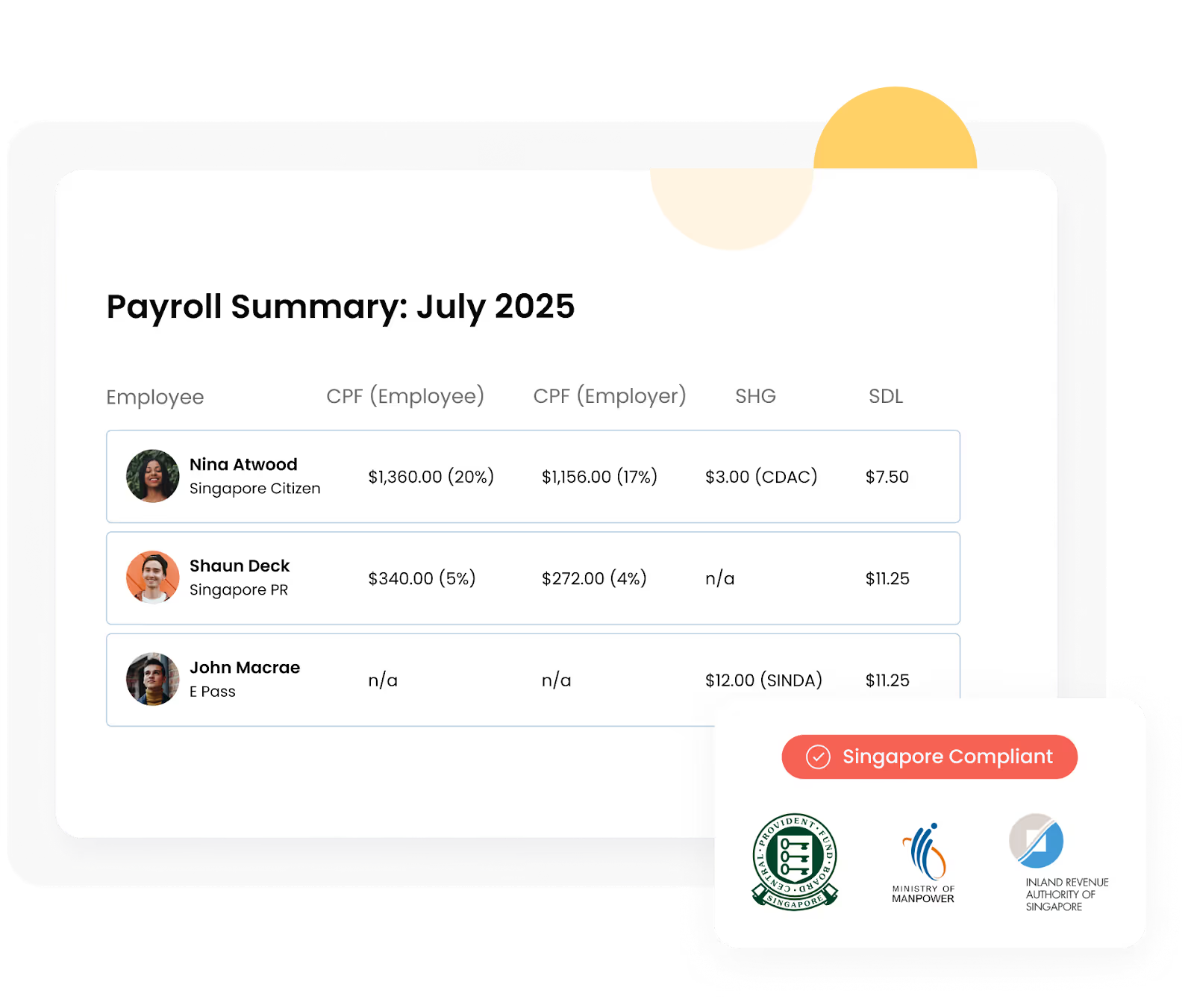
Omni’s payroll module automatically calculates CPF contributions and statutory levies based on employee salary, age, PR status, and contribution caps. This removes the guesswork and juggling multiple tools like the CPF rate calculator, SDL calculator, or CPF late repayment interest calculator, ensuring compliance without manual effort.
Seamless payroll integration
Integrated with time off and attendance, Omni ensures payroll calculations are always accurate and up to date.
“Payroll calculations that used to take three to five working days can now be done in half the time with Omni.”
— Tengku Mohaizad, Group Head of HR Asia at Inspire Brands Asia
Compliance-ready reporting
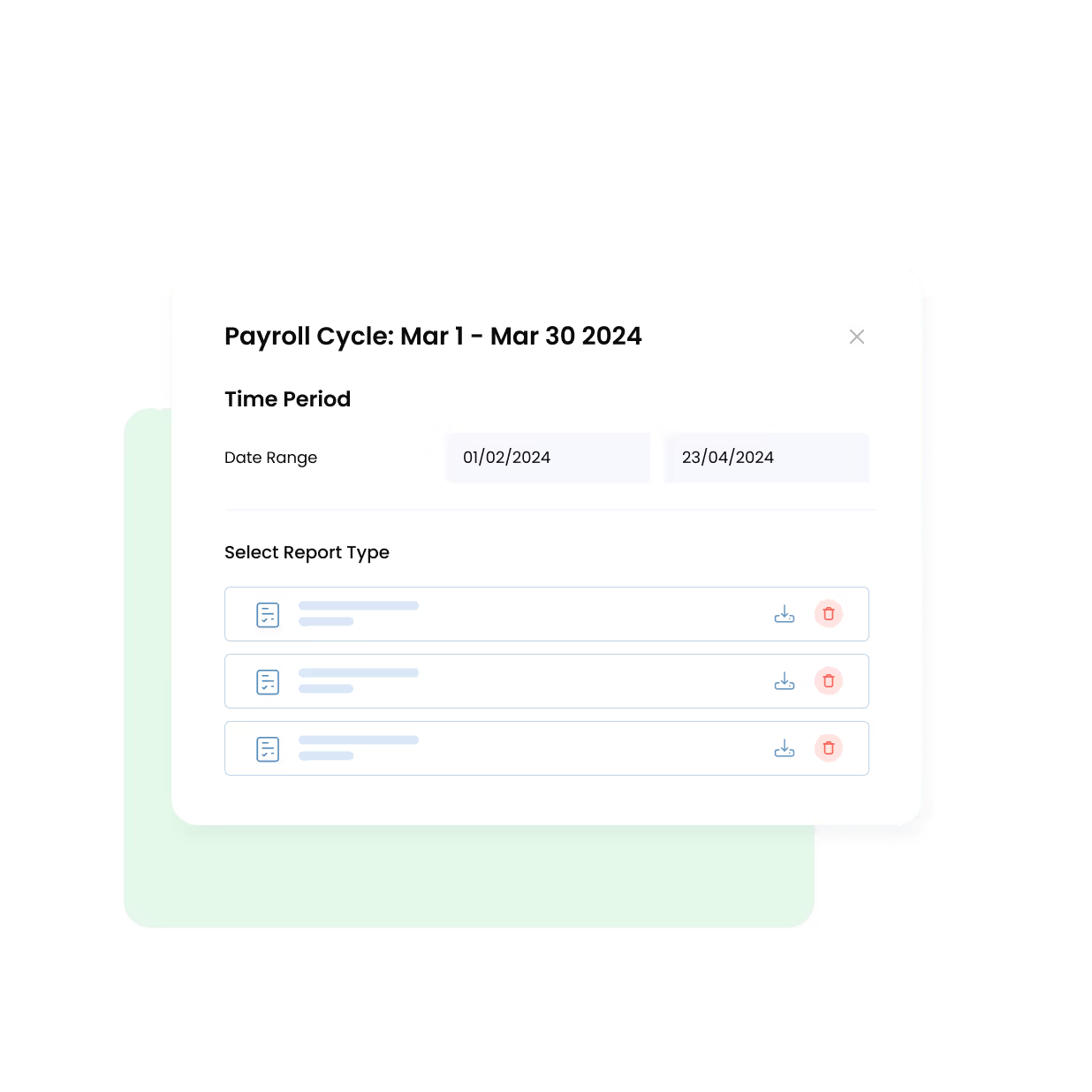
Omni generates audit-ready payroll reports that align with CPF and IRAS requirements in just a few clicks.
"Having a single source of truth has improved the accuracy of our data and reporting."
— Shux M., Chief People Officer at Endowus
Secure document management
Omni’s centralized document management securely stores employment contracts, PR grant dates, and any CPF-related documents in one location. With multi-role access control, HR teams can assign permissions based on roles and responsibilities, ensuring sensitive employee data is only accessible to relevant stakeholders.
Omni is also ISO27001-certified and protects all data using AES-256 encryption, the same standard used by banks and governments. Businesses can operate in confidence knowing that employee records are secure and compliant with global data protection requirements.
"Whenever we need to gather employee data, we can pull the information directly from Omni and get any metric we require. It's as simple as that."
— Rhoanne Therese Jamelo, HR Generalist at ScaleForge
Automated workflows
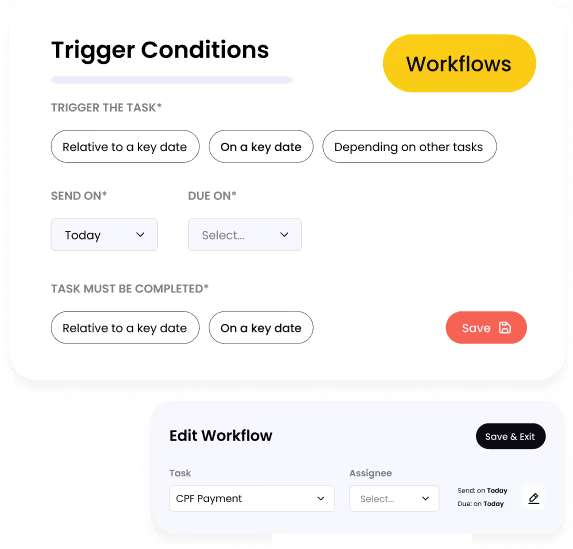
Omni’s customizable workflows guarantee your CPF compliance tasks don’t slip through the cracks. HR teams can set up automated reminders for CPF due dates, ensuring contributions are always made by the 14th of each month to avoid CPF late payment interest.
Workflows also cover onboarding, time-off, and statutory submissions, so recurring compliance tasks run smoothly. This reduces manual tracking, saves time, and lowers the risk of penalties for late or missed payments.
“Once you have instituted it, it goes on autopilot. The next new hire that comes in gets added to the workflow, and that’s it – everything is ready to run off autopilot through Omni.”
— Wenna Lee, HR Manager at IHRP
Ready to bring your CPF management to the next level? Book your product tour with our team today to discover how Omni can help you streamline the process.
.png)


.png)