.png)
Summary. A walkthrough of using Mino to prepare a multi-country HR leadership review, from asking for headcount and attrition across Singapore, Malaysia, and the Philippines to checking the underlying data before it goes in the deck.
It’s Friday 4PM and you have a monthly leadership review next week. Your CHRO wants headcount, attrition, and leave trends across Singapore, Malaysia, and the Philippines, and finance is asking whether the new hire in Manila has actually started. You’d normally spend the afternoon pulling up three separate exports, reconciling the formats, and double-checking the numbers over and over before you’re finally confident enough to put them into your deck.
This is exactly where Mino comes in.
Instead of exporting and reconciling, just ask. Mino pulls the answer straight from your live Omni data, across all three markets, in the time it takes to type up the question. Here’s how HR teams can go from “review’s in an hour” to “review’s ready” with Mino.
What is Mino?
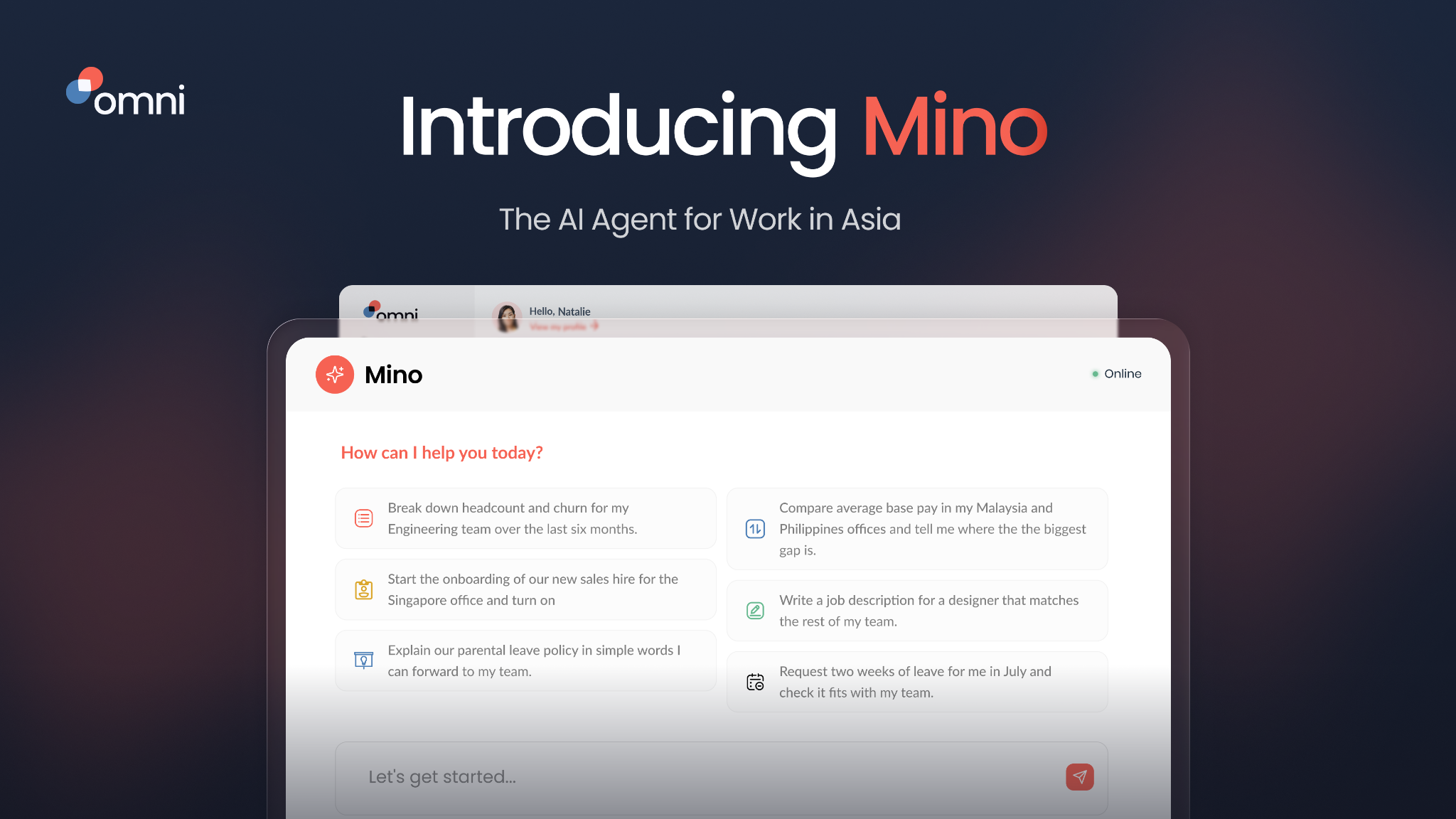
Mino is Omi HR’s AI agent, built for multi-country HR teams operating across Asia. It runs on your live HR data including headcount, leave, performance, compliance, and whatever policies your admins have uploaded, so it already knows your organization and the way you work.
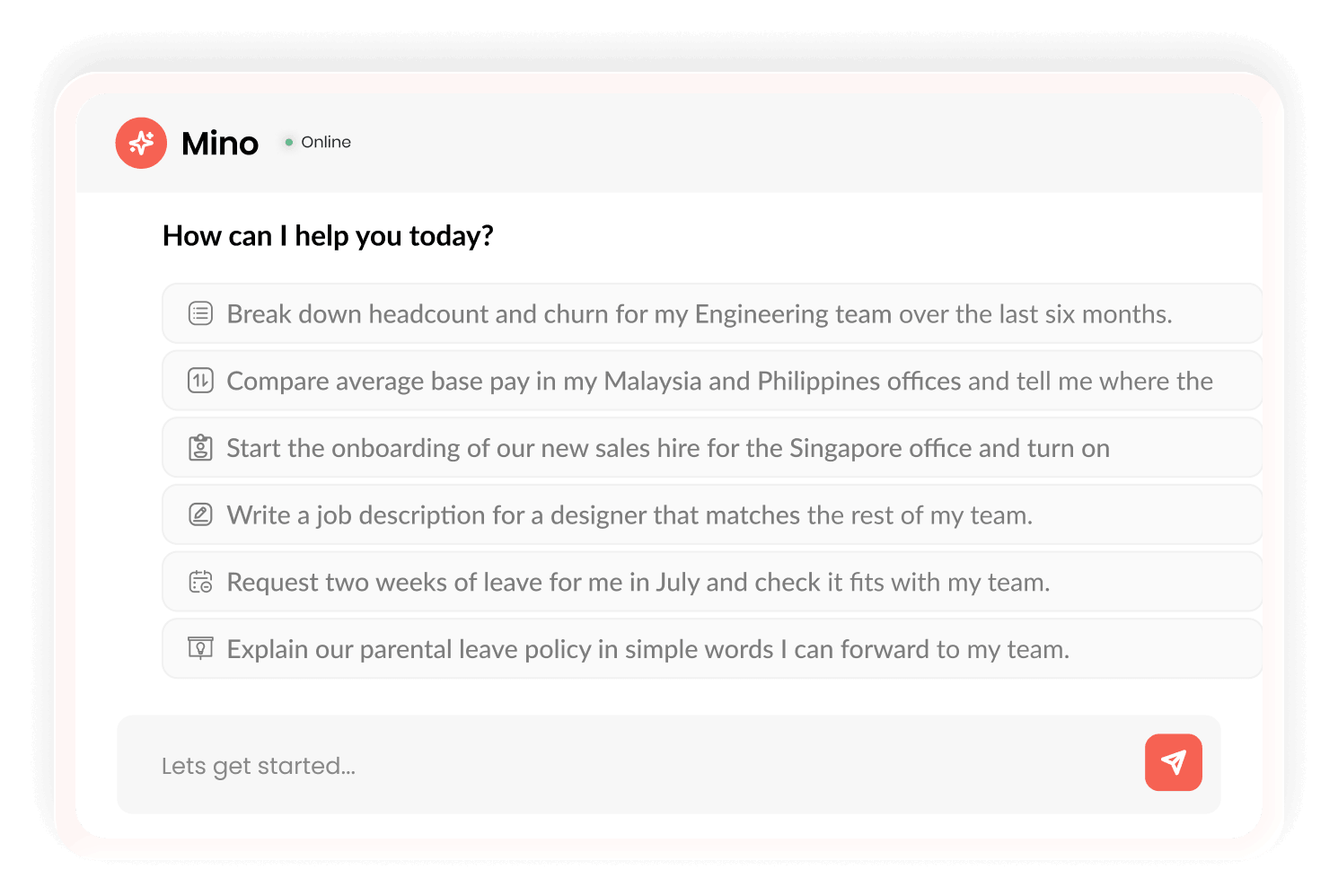
This is what separates us from generic AI such as ChatGPT as you don’t need to type ‘we have 40 employees across the countries and the PH team follows a different leave policy,” you just ask about your team directly.
How to Use Mino for Multi-Country Review
1. Ask in plain language and get a chart back instead of a spreadsheet
Type your question into Mino’s chat the same way you’d ask a colleague.
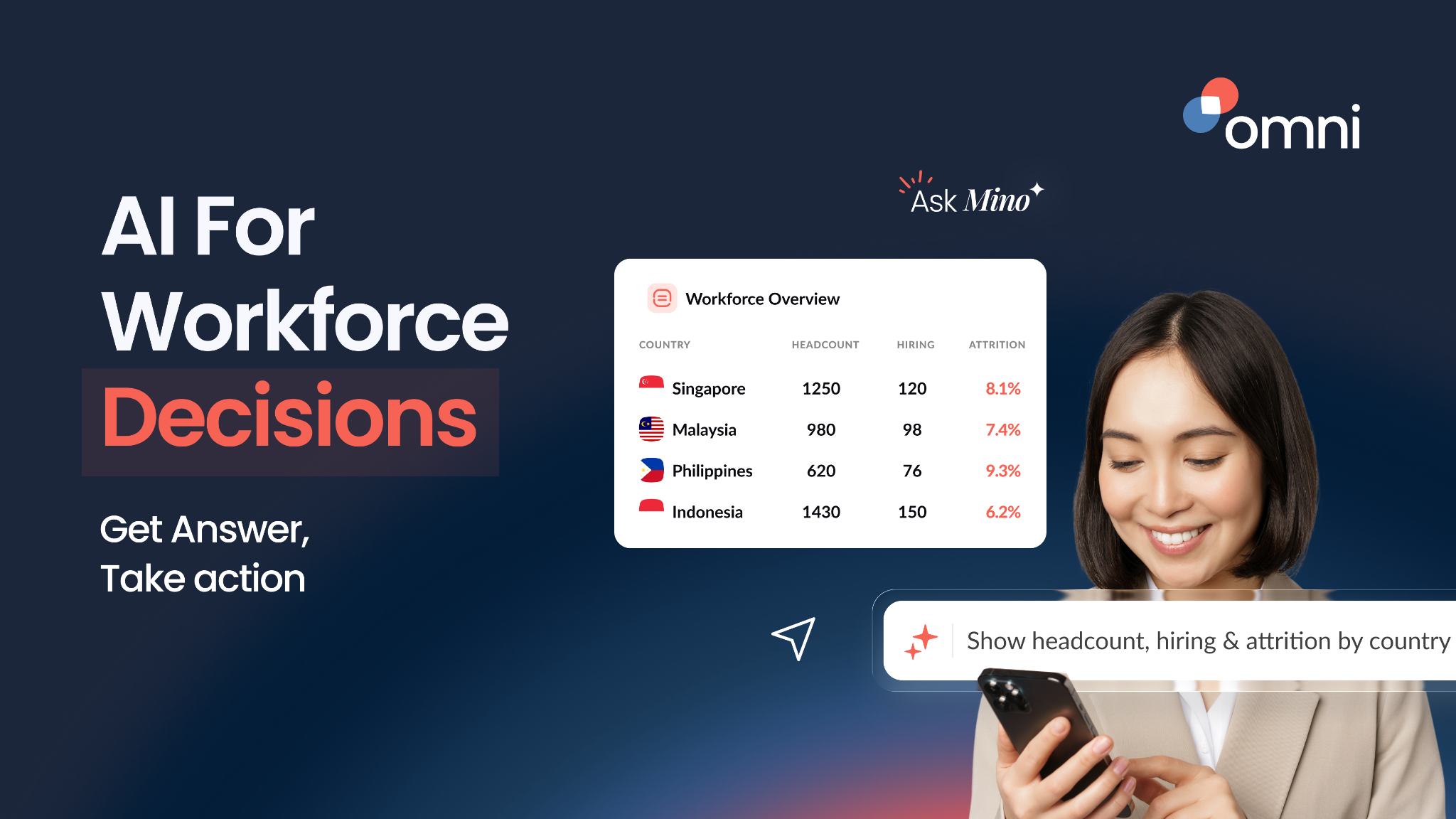
“Show me headcount and attrition for Singapore, Malaysia, and the Philippines this quarter, side by side”.
Mino queries your live Omni data and generates a graph along with a written insight, plus a few suggested follow-up questions, without you ever leaving Omni. If the default chart type isn’t what you need for the slide you’re building, simply change the visualization on the spot.
2. Follow the thread instead of starting a new export each time
The number that stands out is rarely the end of the question. Ask the next one in the same conversation.
“Why did the Philippines' attrition spike in that chart?”
Because Mino keeps the context, you don’t need to re-explain what you were just looking at, it builds on the last answer the way a follow-up question in a real conversation would.
3. Check the work before you put it in front of your CHRO
Before you import the chart into your deck, it’s worth knowing where the number came from. Mino shows that by design.
“What data is this based on, and can you show me the query?”
You can drill into exactly how the result was built such as the underlying query and the raw data behind it, ask Mino to explain that query in plain language, and download the result if you need the raw numbers in a spreadsheet. This is the difference between trusting a chart and being able to check it.
Worried about data security? Rest assured that Mino doesn’t send your sensitive employee data to a third-party model. It only ever surfaces what your existing Omni permissions already allow. For a more technical deep dive on how that’s built, read How Mino Works.
4. Chase down the specific detail finance asked about
Instead of pinging your HR exec in Manila and waiting for a reply, just ask Mino directly.
“Has the new hire in the Manila office started, and is their onboarding complete?”
Since Mino is reading from your live Omni records, you get a current answer instead of whatever was true when someone last updated a manual tracker.
5. Let the rest of the org self-serve
Mino is specifically designed to work inside each employee’s existing Omni permissions, so managers and employees can ask their own versions of these questions without routing through HR at all.
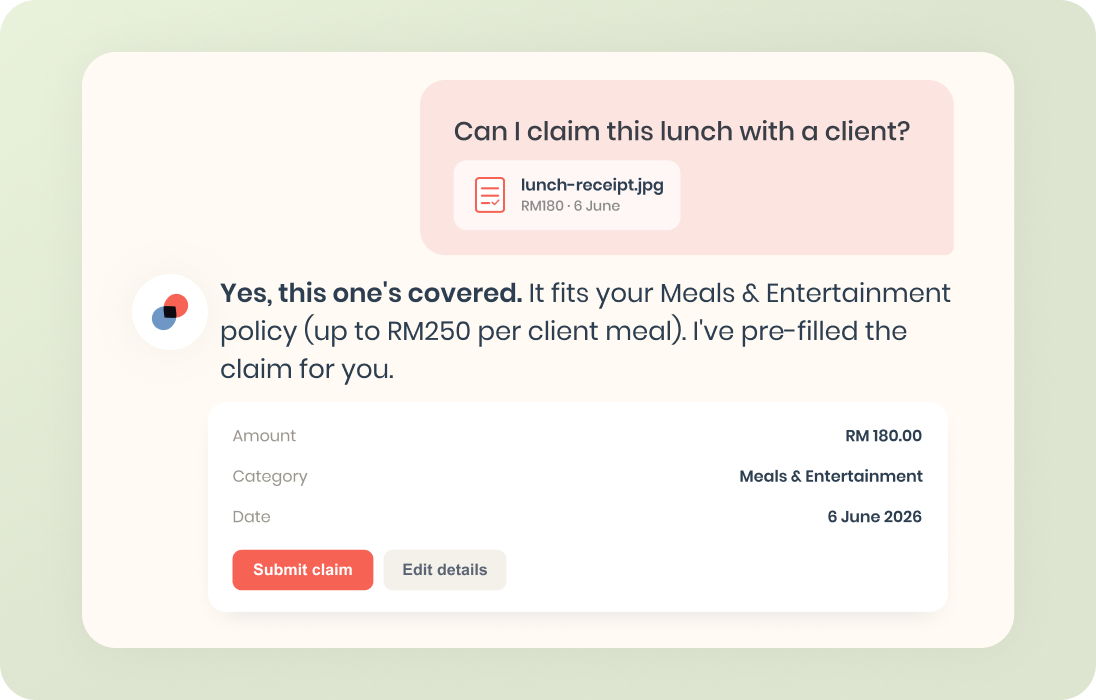
Whether a manager is checking their team’s tenure or an employee is asking about a specific claim policy, it can all be done directly with Mino so fewer basic questions land on your desk in the first place.
Why This Works
A generic AI assistant can help you write a nice-sounding compliance answer, but it lacks context. It doesn’t have access to your actual headcount, actual attrition numbers, or the rule that applies in the specific market that you’re operating in.
Mino’s answers are grounded in your live Omni data and existing permissions, ensuring that personal records stay inside your environment instead of going to a third-party model.
If your last leadership review meant three exports and an afternoon spent reconciling them, that’s the gap that Mino was built to close. Simply ask your questions instead of building reports by hand. Book a demo with our team to see Mino in action and how it can work for your team.
Frequently Asked Questions
Mino is Omni HR's AI agent for multi-country HR teams in Asia. Ask it a question in plain language and it builds a chart and an insight from your live HR data, no export or analyst required, across every market you operate in.
ChatGPT and similar tools require you to provide all the context in your prompt. Mino, Omni's AI agent, is connected directly to your HR data, company policies, and statutory requirements — so it can answer questions like "what are our leave balances for Q3?" or "flag anyone approaching their probation review date" without you having to prompt it from scratch. It's the difference between a general-purpose assistant and one that already knows your team.
Mino shows its work. You can drill into the query and raw data behind any chart, ask Mino to explain the query in plain language, and download the result to verify it yourself.
Yes. Personal records stay inside your environment instead of going to a third-party model, and permissions run first, so Mino only surfaces what each user is already allowed to see.
All three. Mino works inside each person's existing Omni permissions: admins get the full cross-market picture, managers get their own team's data, and employees can self-serve everyday questions like policy lookups.
.png)


.png)
.avif)